AI Garden Design — preview planting beds in your own garden
Upload a photo and explore a new style for your space.
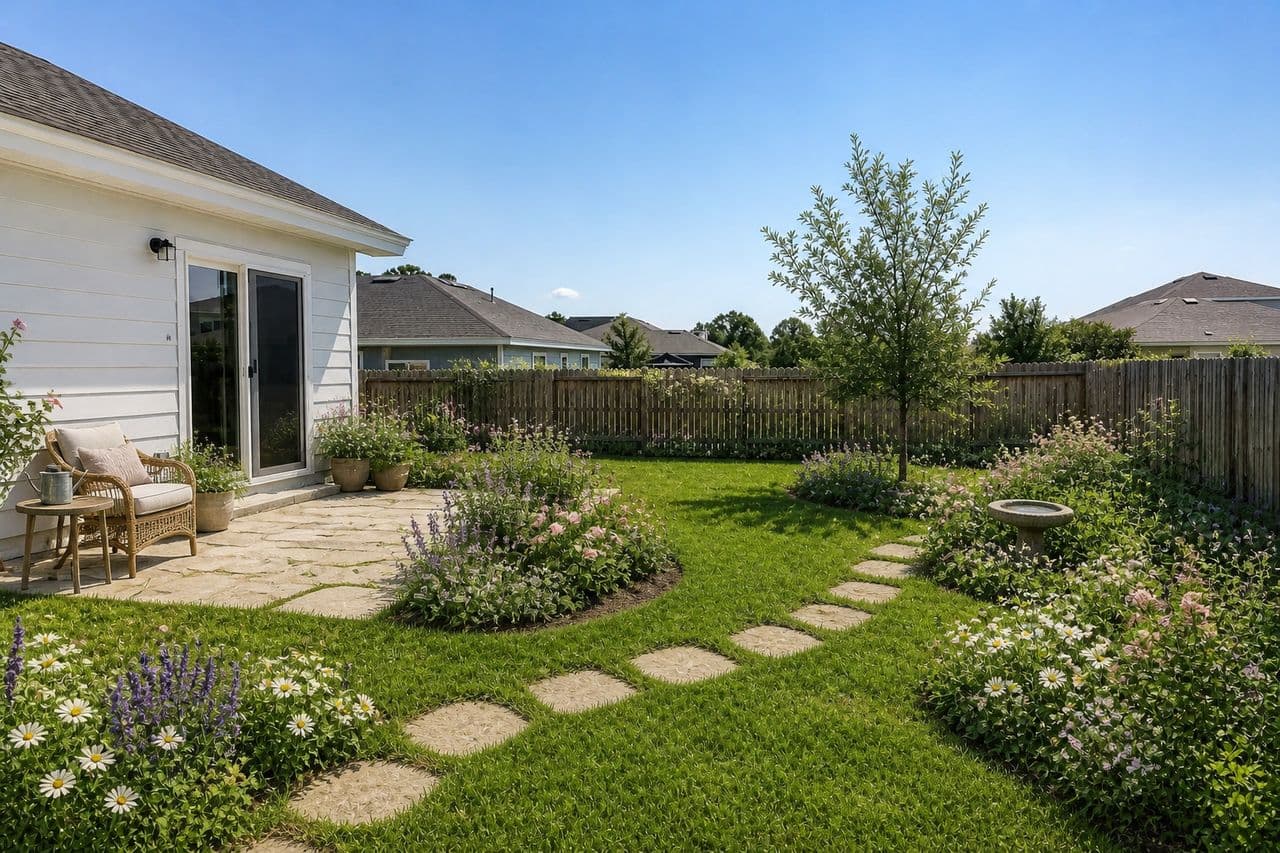
 Cottagecore
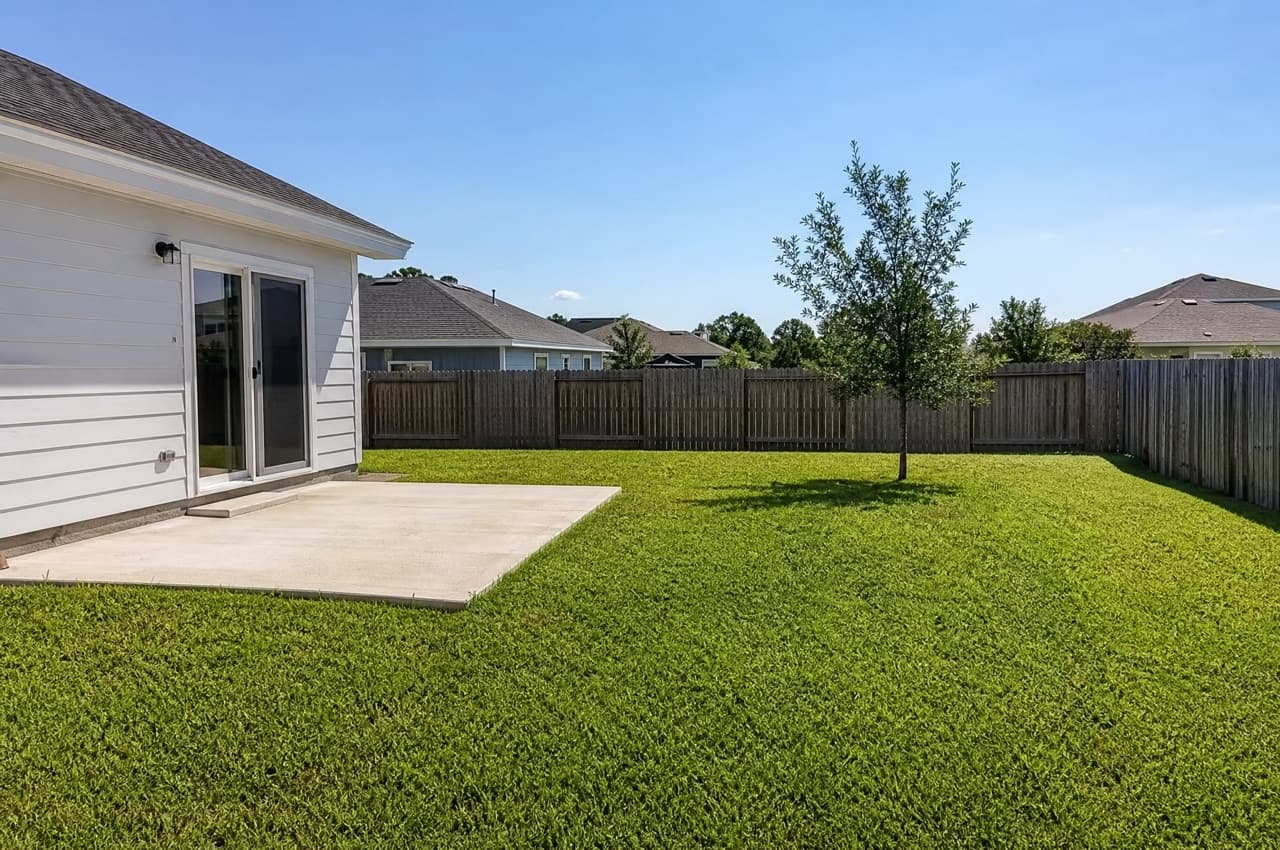
Upload a photo of your yard on the left to see it in a new style.Upload a photo of your yard above to see it in a new style.
GardenRedesignModern
Try it free with a photo of your room, no card needed.
AI Garden Design
Roomvana's AI garden design tool is for the planting: flower beds, borders, hedges and the shapes between them. Upload a photo of your garden, choose a style, and see it replanted, from a loose cottage border to clipped modern beds or a dry Mediterranean scheme, while your house, fences and boundaries stay where they are. It works for a long bed along a fence, a front border or a small courtyard. It's free to try, and you can explore it online without signing up.
Explore other spaces
Browse all spaces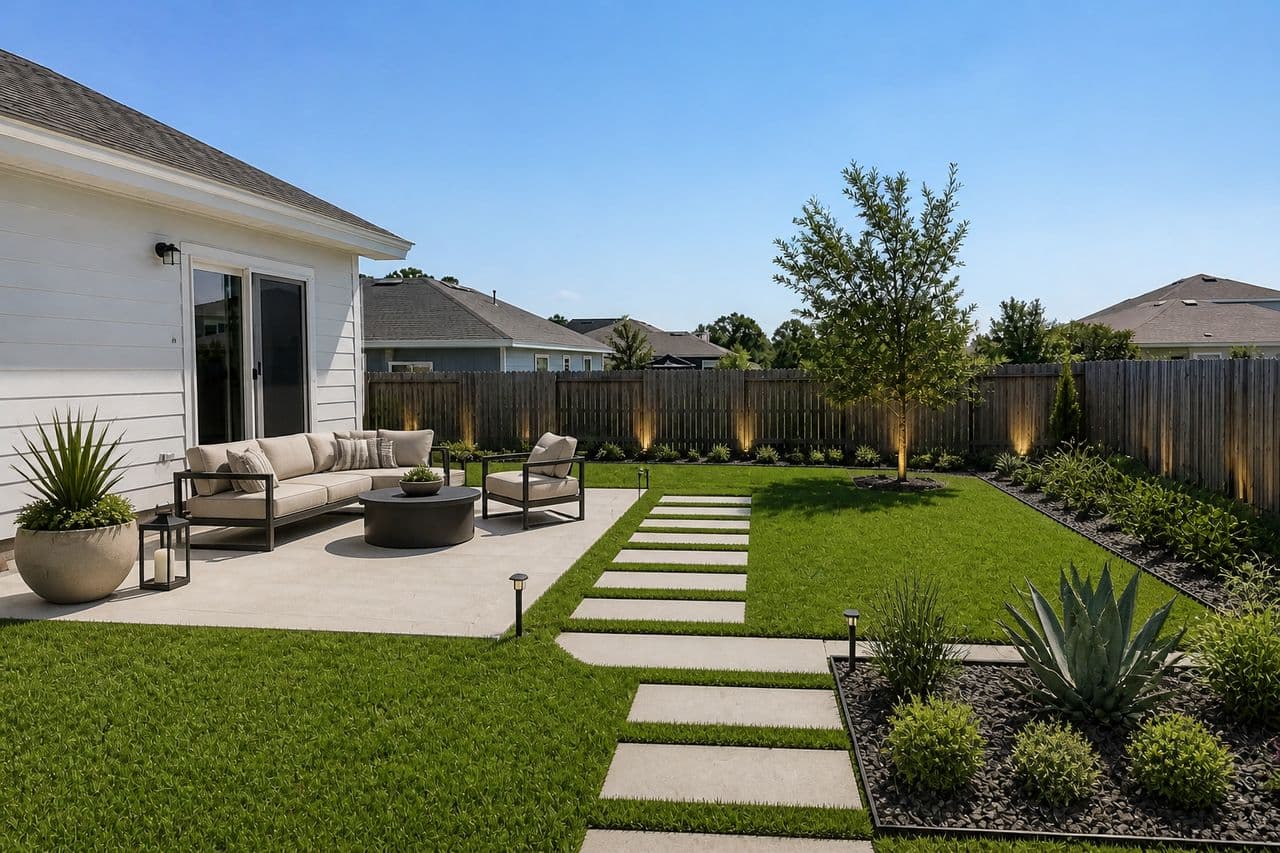
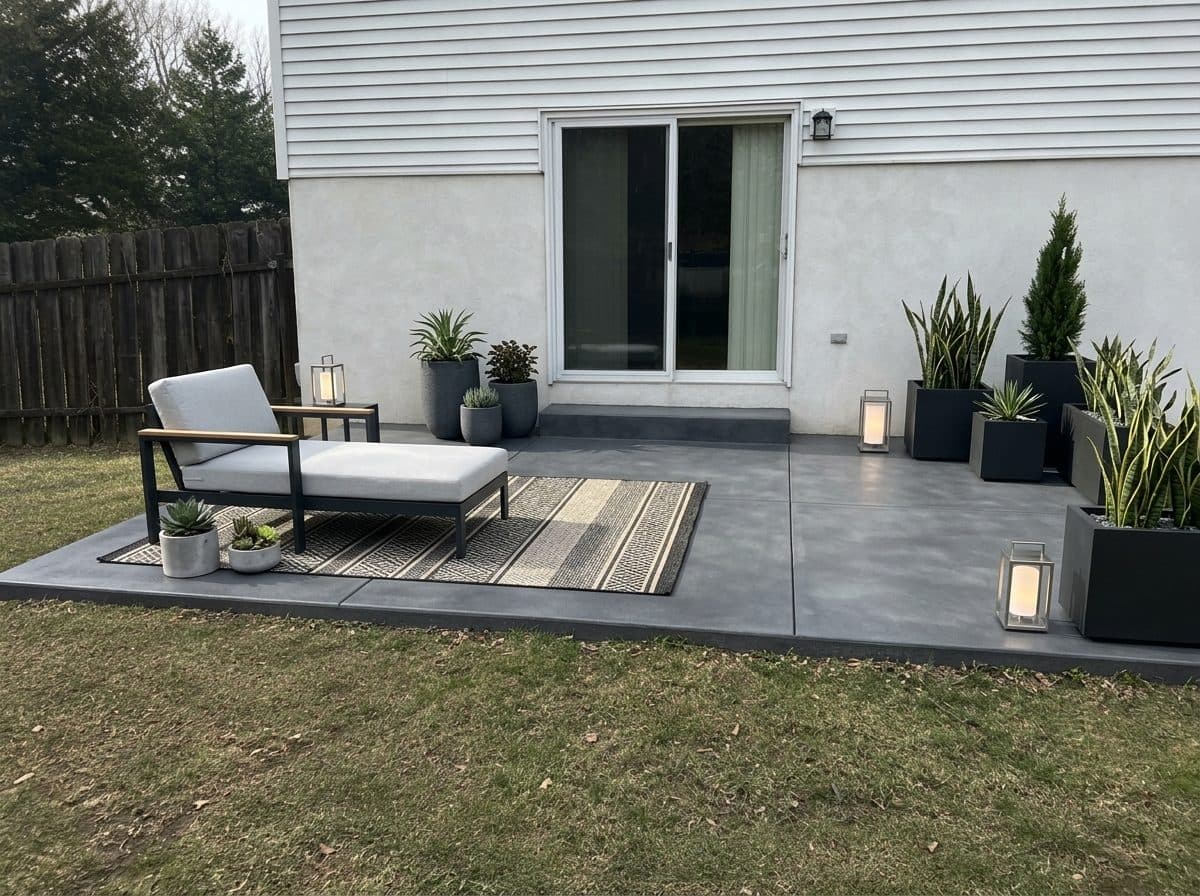
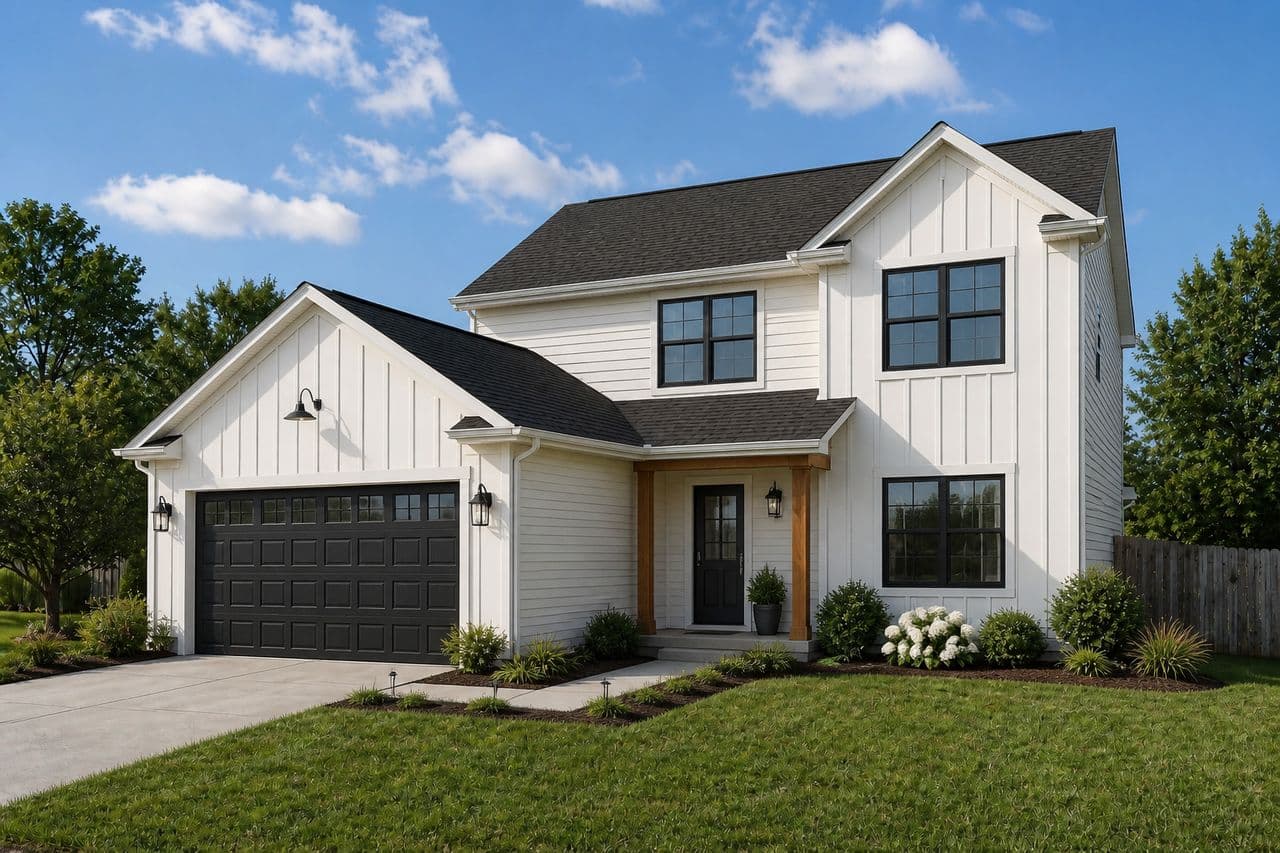
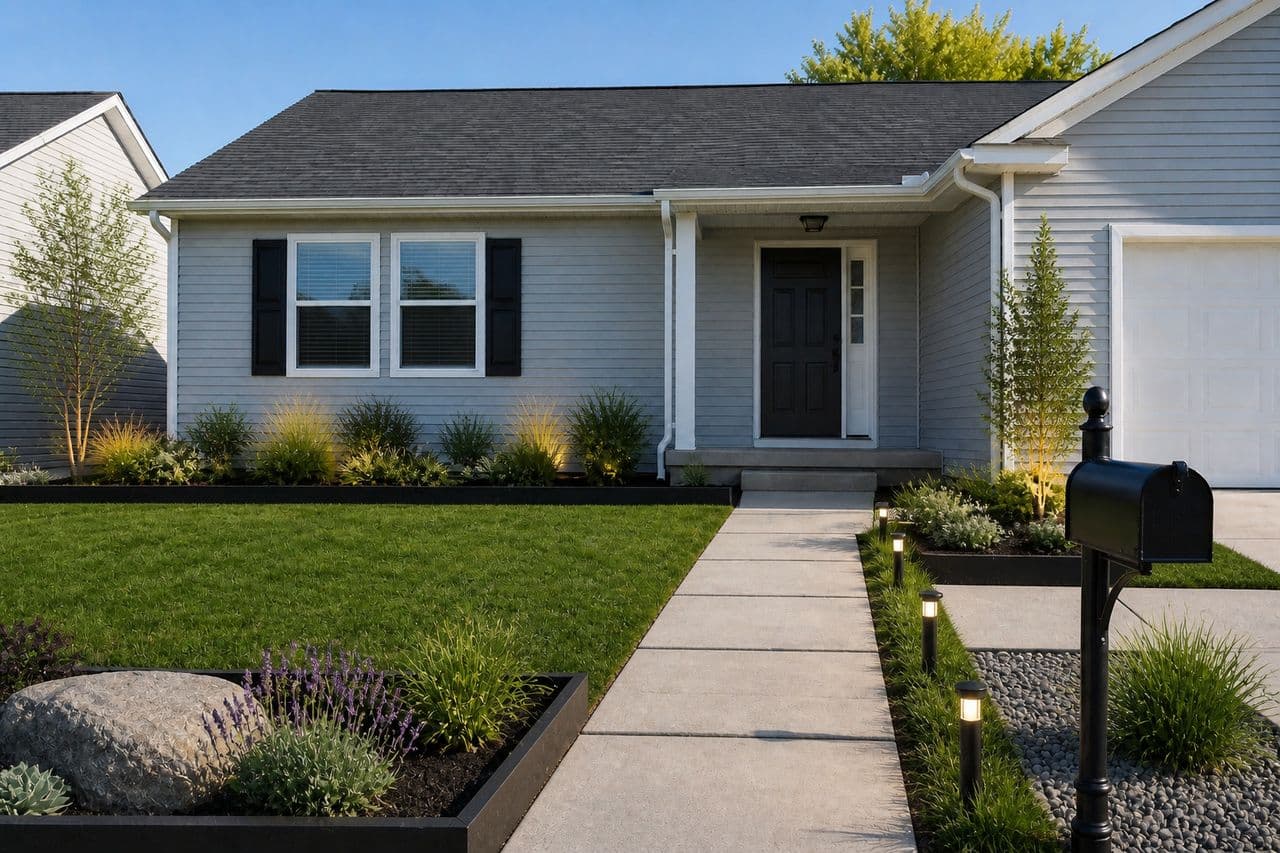
How to redesign your garden with AI
- 01
Upload a photo of your garden
Take or upload a clear daylight photo of the bed or border you want to change, shot straight on with a bit of the fence or house behind it for scale.
- 02
Pick your style
Choose from 23 styles, from modern and Mediterranean to tropical, cottage garden, rustic and coastal, and picture your beds and borders replanted in that look.
- 03
Generate your redesign
Roomvana renders a realistic, replanted version of your exact garden, keeping your house and boundaries in place.
- 04
Compare, download, share
Slide between before and after, download your favorite, upscale it to 4K, or share a link with your partner, landscaper or garden designer.
Choosing real plants for the look
The AI picks plants for how they look, not for where you live, so treat the render as a mood board. Note the shapes and colors you like, such as tall grasses at the back, mounded shrubs at the front, purple and silver, then find plants that give you those shapes and grow in your conditions.
Start with three facts about the bed: your USDA hardiness zone (the USDA map gives it from your ZIP code), how many hours of direct sun it gets, and whether the soil stays wet or dries out fast. Those rule out most of a catalog before style even comes into it. A local nursery can take a printout of the render and suggest zone-appropriate matches, and native plants are usually the easiest to keep alive.
Plan for the bed in three years, not the render. Check the mature width on each label and space to it; new beds look sparse in year one and that's normal. Repeating the same three to five plants along a border reads as designed, while one of everything reads as a plant sale. Fill gaps with mulch or annuals while the perennials grow in.
What the AI can change
It restyles
- Planting, flower beds & borders
- Lawn, ground cover & meadow
- Trees, shrubs & hedging
- Paths & stepping stones between beds
- Edging, mulch & gravel beds
- Containers, planters & raised beds
- Water features & ponds
- Garden lighting & up-lights
- Trellises, screens & climbers
It never touches
- The house walls & structure
- Your property boundaries & fence lines
- The permanent hardscape footprint
- Neighboring buildings & rooflines
- The camera angle of your photo
Frequently asked questions
What is AI garden design?
+
AI garden design uses artificial intelligence to replant a real photo of your garden. Instead of imagining a scheme from a catalog, you see your own beds and borders re-rendered in a new style, with the house and boundaries unchanged. It's a quick way to preview a planting look before you buy a single plant.
How does the AI garden designer work?
+
You upload a photo of your garden and pick a style. Roomvana's AI reads the layout of the space, then replants and redesigns it while keeping your house, fences and boundaries in place. You get a realistic before/after you can slide between.
Is Roomvana's AI garden design tool free?
+
Yes. You can try it free with a photo of your garden — no credit card needed. After that, a one-time credit pack (from $14.99 for 30 designs) removes the watermark and adds commercial usage rights. No subscription, and credits never expire.
Can I try it from a photo without signing up?
+
You can explore the tool online on our example garden photos without an account. To redesign your own photo you'll create a free account, which takes a few seconds and needs no credit card.
Will it keep my house and property boundaries?
+
Yes. Roomvana is built to keep your house walls, fence lines and property boundaries exactly where they are. It changes what's inside the garden — beds, borders, planting, lawn and paths — so the result still looks like your yard, just redesigned, and won't imply you can build past your actual boundary.
Can it replant a single bed or border along my fence?
+
Yes. Frame the photo on the bed you want to change, with a little of the fence or house behind it for scale, and the AI will redesign that area. It restyles everything in the frame, so a tight shot is what keeps the change on the planting. If you're reworking the whole yard, including lawn, patio and paths, the landscape or backyard pages are the better starting point.
Can it show a low-maintenance or drought-tolerant planting scheme?
+
Yes. Pick a modern, minimalist or Mediterranean style to see beds built from grasses, gravel mulch and fewer, bigger plants, which is the look most low-water and low-upkeep gardens share. Compare it with a cottage style on the same photo and you'll see the trade-off between lush and easy.
Can I try different planting and styles before hiring a landscaper?
+
That's exactly what it's for. Compare a lush cottage-garden look against a low-maintenance modern or gravel scheme side by side, all on your own photo, before you commit to a designer or a plant order. It's a low-cost way to find a direction you love and rule out the ones you don't.
What photo works best?
+
A clear daytime photo taken straight on, showing the lawn or beds and a bit of the house or boundary, gives the AI the most to work with. Avoid heavy shadows, rain or a shot that's mostly sky. If the first render isn't quite right, retake the photo from a slightly higher angle and try again.
Is the result realistic?
+
The renders look like a real photo of your own garden, so you get a genuine feel for the style. When you're ready to build, have a pro confirm dimensions, drainage and levels.
Does it suggest specific plants I can buy?
+
The AI shows planting that fits the style — think grasses and olive trees for a Mediterranean look, or dense borders for a cottage garden — but it renders the overall scene rather than a labelled plant list. Use it to lock in the look and mood, then match real plants to your climate, soil and sun with a local nursery or landscaper.
Can I use it to brief a landscaper or garden designer?
+
Yes, and it's one of the most useful things you can do with it. Generate a couple of styles you like, then share the link so a landscaper can see exactly what you're picturing on your own garden. It turns a vague 'I want it to feel calmer out here' into a concrete visual brief, which usually leads to faster, more accurate quotes.
Does it work for small yards, courtyards or balconies?
+
Yes. A minimalist, japandi or coastal style suits compact courtyards and balconies well — the AI can show container planting, a small seating area, screening and lighting that make a tight space feel intentional. Just upload a photo of the small space and try a few looks.
Can I use the designs commercially?
+
You can try it free; free designs carry a small watermark. Any one-time credit pack (from $14.99) removes watermarks from new designs going forward and adds commercial usage rights. Each credit is one design or one 4K upscale — no subscription.