Redesign a room
Upload a furnished room and see it in a new style — your layout, walls and windows stay.
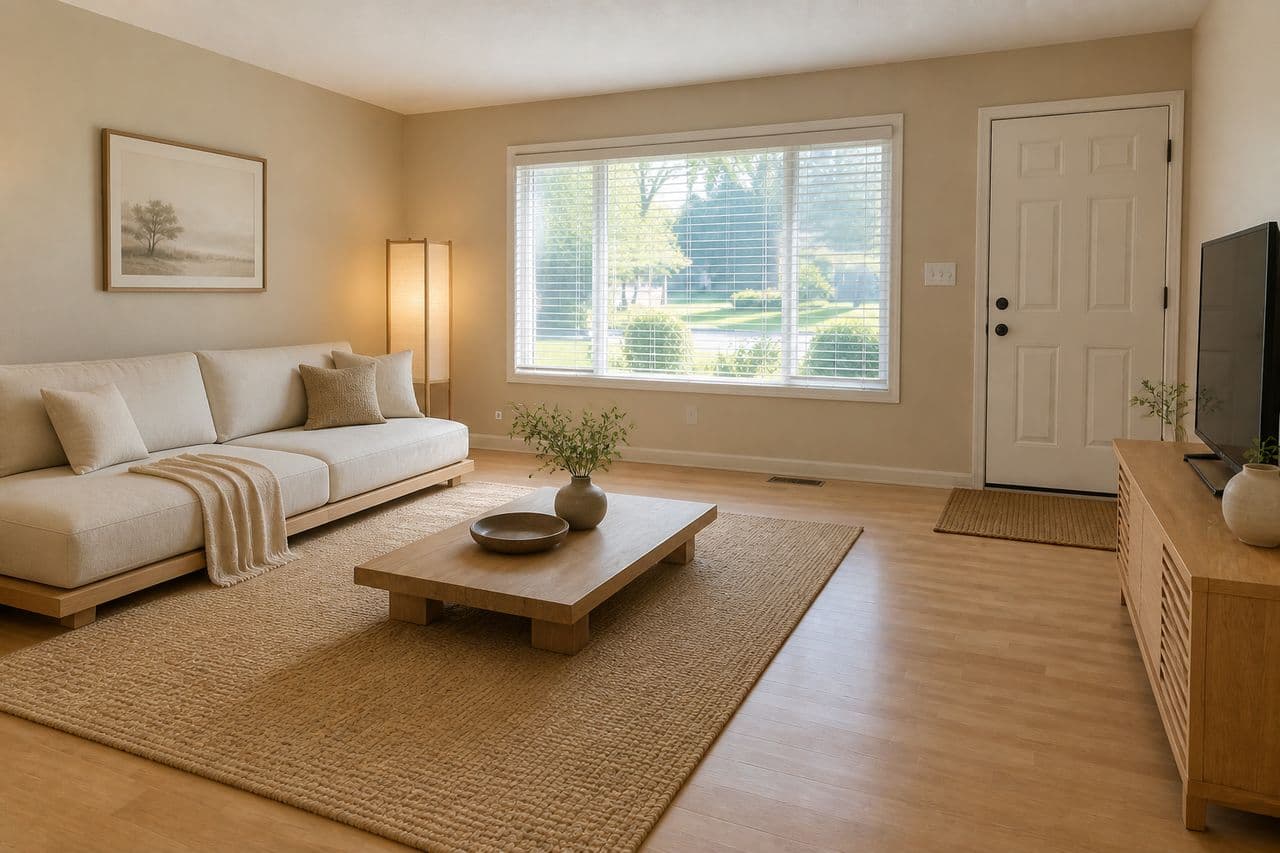
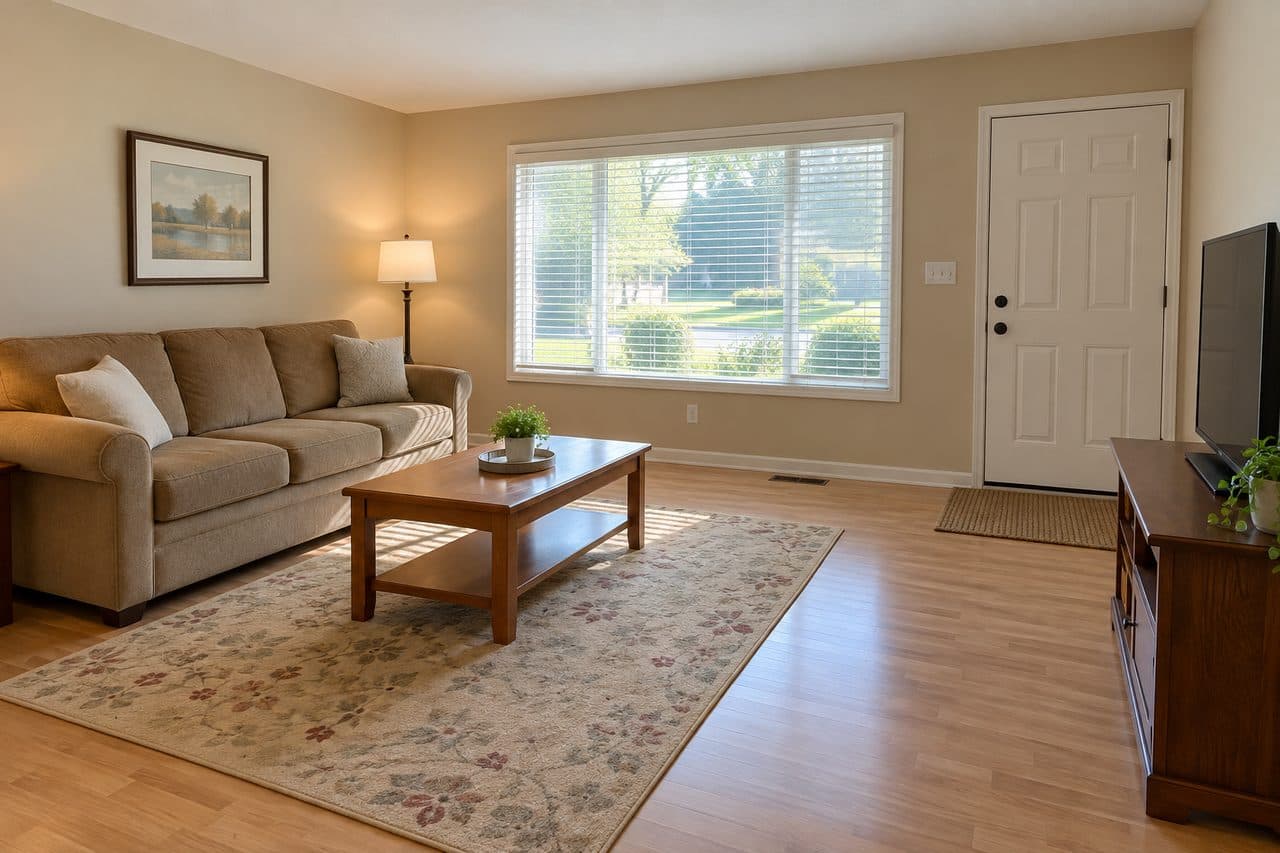 Japandi
Upload a photo of your room on the left to see it in a new style.Upload a photo of your room above to see it in a new style.
Choose a roomRedesignModern
Try it free with a photo of your room, no card needed.
AI room design with your own photo
Roomvana's AI room design studio redesigns the space in your photo — a bedroom, a kitchen, the front of your house or your backyard. Choose one of 23 styles or write your own prompt, and see new furniture, colors, materials and lighting in the space you actually use, not a stock picture. It's free to try.
What you can do in the studio
- Redesign the exteriorUpload a photo of your house — try a new facade, colors and front yard, with the structure kept as it is.
- Reimagine your yardUpload your backyard, front yard or patio — new planting, paving and features, keeping your home and boundaries.
- Change one surfaceTry new siding, paint, a front door or a roof — or cabinets and floors inside. Only that surface changes.
- Redesign a roomUpload a furnished room and see it in a new style — your layout, walls and windows stay.
- Stage an empty roomUpload an empty room — the AI furnishes it in the style you pick.
- Remove furnitureEmpty a room in one step — furniture and clutter gone, the room itself untouched.
- Add furniture & decorPut a real piece of furniture or decor into your own room and see how it fits.
- Change one areaDescribe one spot to change — everything else in the photo stays as it is.
Explore other spaces
Browse all spaces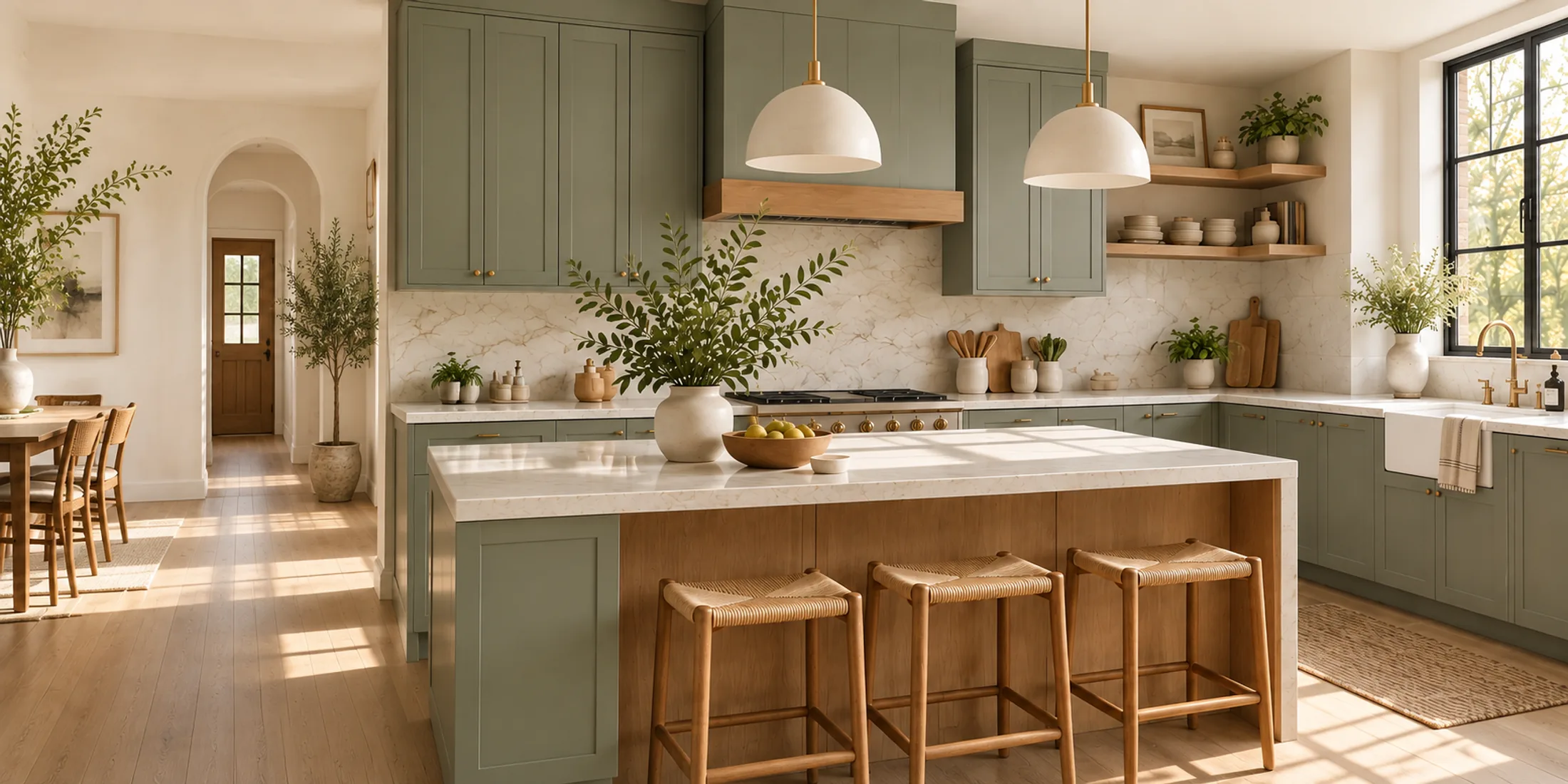
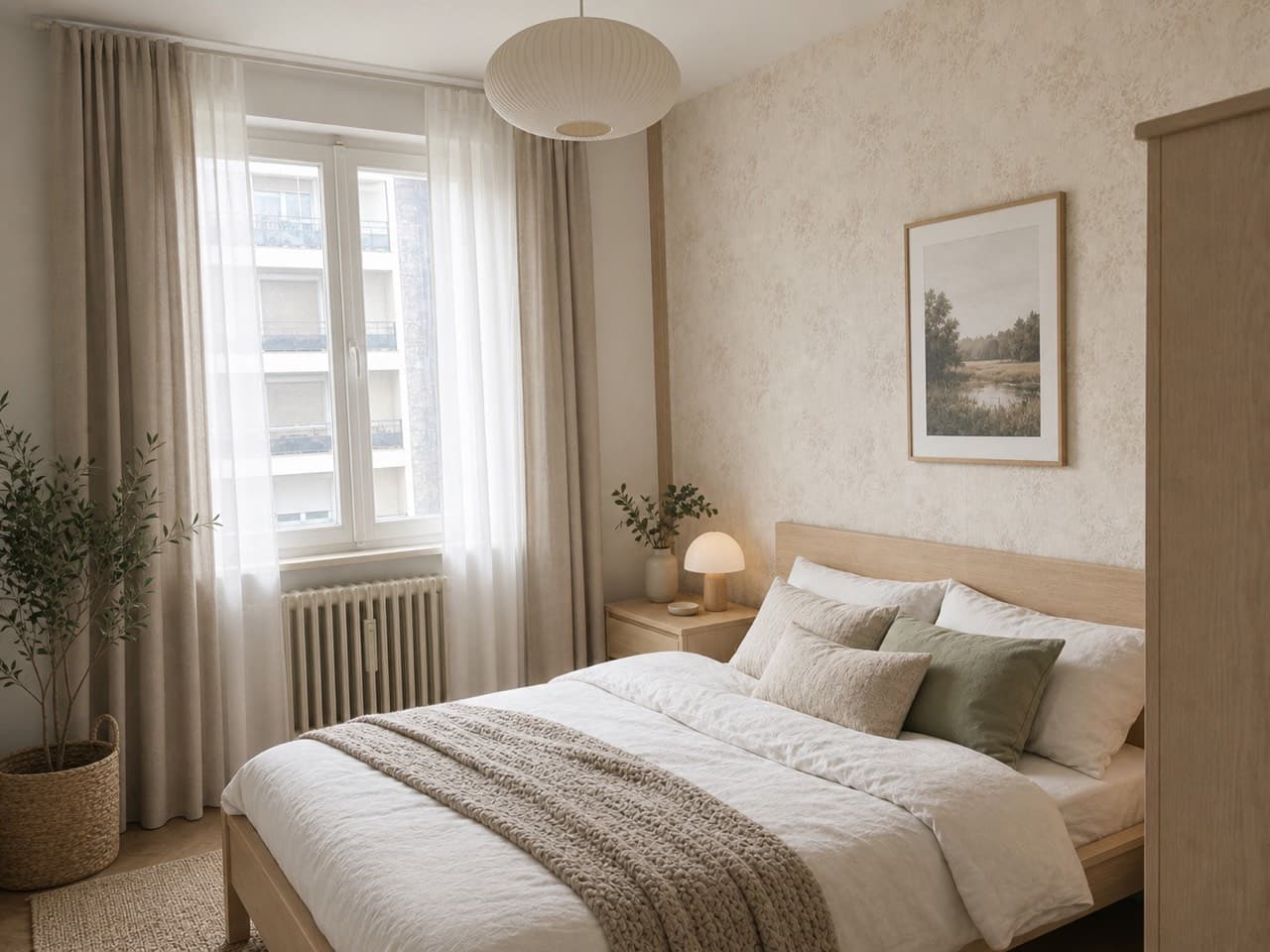
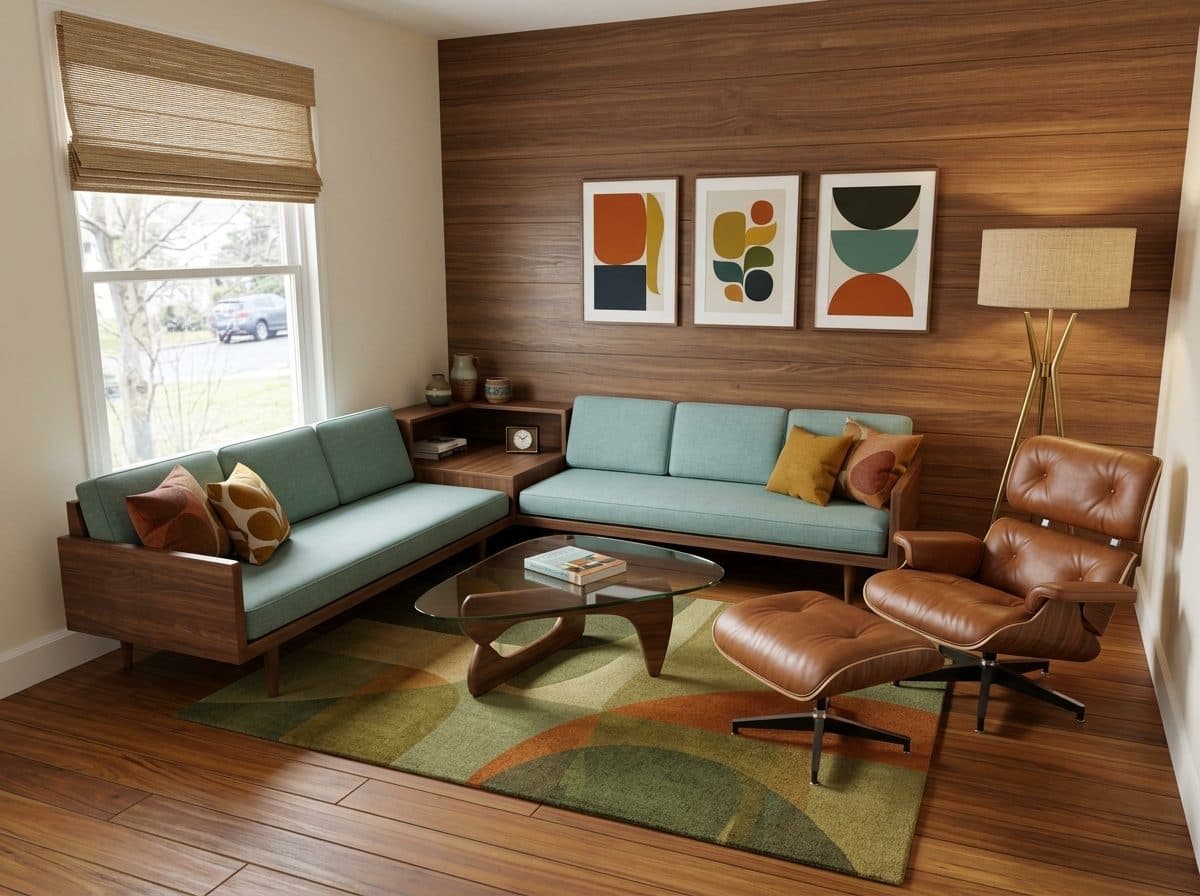
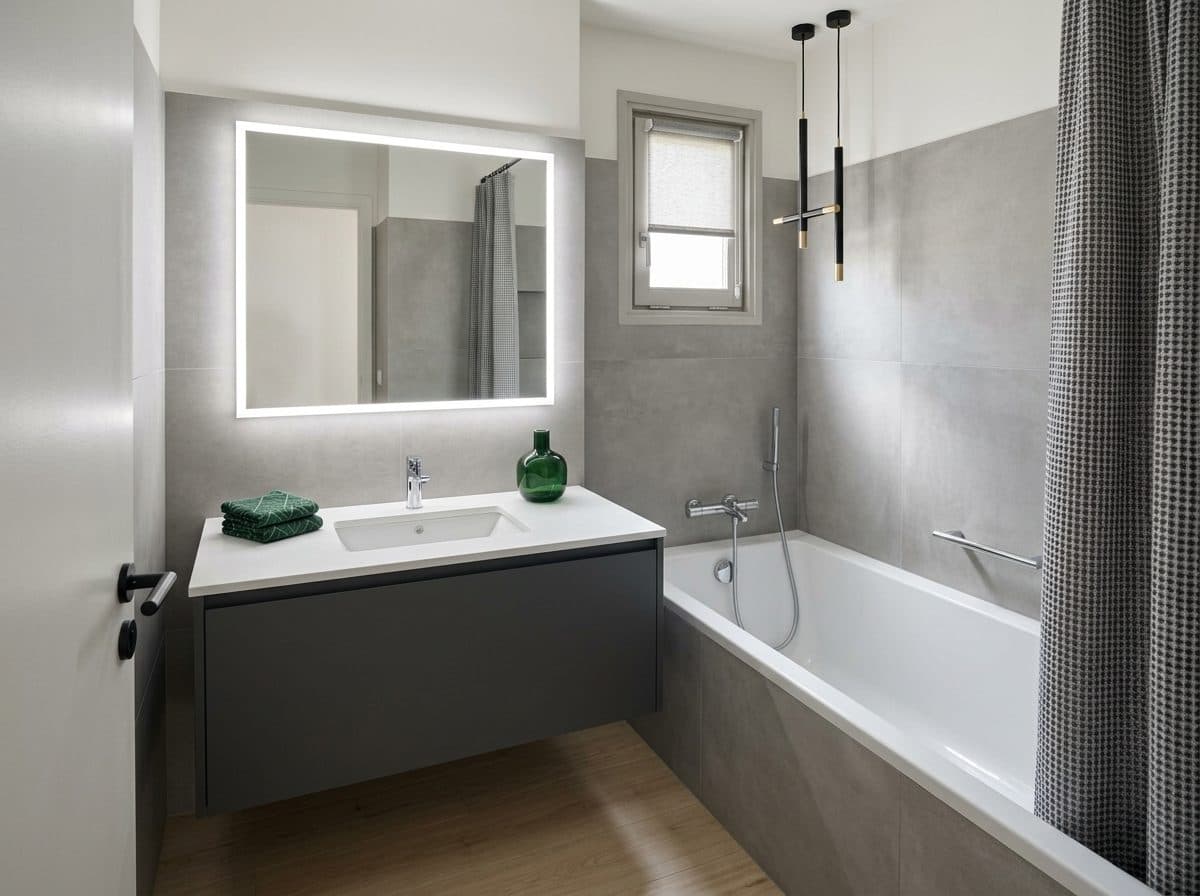
How to design your room with AI
- 01
Upload a photo
Upload a clear photo of a room, your home exterior or yard, or start with one of our sample photos. A normal phone photo taken from the doorway or across the yard works well.
- 02
Choose a template or write your own prompt
In Template, pick the space, what to change and one of 23 styles. In Custom, skip the menus and describe exactly what you want to see in your own words.
- 03
Generate your design
Roomvana turns your photo into a new design, usually with two versions to compare.
- 04
Compare, refine and download
Drag the slider between before and after, change one thing and generate again, then download the version you like best or share a link.
Frequently asked questions
What is AI room design?
+
AI room design uses artificial intelligence to restyle a real photo of your space. Instead of browsing inspiration pictures of other people's homes, you see your own room — or your house or yard — with new furniture, colors, materials and lighting, while still looking like your actual space. It's a quick way to try ideas before you spend money on them.
How do I use AI to design my room?
+
Upload a photo, then either pick a template (the space, what to change and a style) or switch to Custom and describe the result you want. Press Generate and you'll see your room redesigned, with a slider to compare it with the original. If one detail isn't right, change just that and generate again.
Is Roomvana's AI room design free?
+
Yes, you can try it free with a photo of your own room after signing in with Google — no credit card needed. Free designs carry a small watermark. When you want watermark-free designs, custom instructions or commercial usage rights, a one-time credit pack starts at $14.99 for 30 designs. No subscription, and credits never expire.
What's the difference between Template and Custom?
+
Template is the guided way: choose the space, what to change and a style, and the AI keeps your walls, windows and doors where they are. Custom gives you an open text box — write what you want, like "paint the walls sage green and add a large rug" or "show the house at dusk with warm porch lights", and the AI follows your words instead of a preset style. Custom is free to use on every account.
Which rooms and spaces can I design?
+
Indoors: kitchens, living rooms, bedrooms, bathrooms, dining rooms, home offices, kids' rooms, nurseries, basements, attics, entryways, laundry rooms, closets and more. Outside: home exteriors, gardens, backyards, front yards, patios, decks, porches and balconies.
Can it do more than restyle the whole room?
+
Yes. Besides a full redesign, you can stage an empty room with furniture, remove the furniture from a photo, change one surface such as the wall color, cabinets, flooring, siding or front door, add a piece of furniture or decor from a product photo, or change one specific area and leave the rest untouched.
Will it change my walls, windows or layout?
+
In Template mode, Roomvana keeps your walls, windows, doors and camera angle in place while it restyles furniture, finishes and decor, so the design still fits your real space. In Custom mode, it follows your prompt more freely and may change details like walls, windows or doors, so say what you want to keep.
Which design styles can I try?
+
There are 23 styles, including modern, Scandinavian, minimalist, Japandi, modern farmhouse, mid-century modern, industrial, coastal, French country, traditional, modern luxury and a 2026 trends style. The style tiles show the same example space in each style, so you can compare them before you generate.
Is there an AI room design app?
+
Roomvana works in any browser on your phone, tablet or computer, so you can use it without installing anything. If you prefer an app, Roomvana is also on the App Store for iPhone, and your designs are shared between the app and the website when you sign in with the same account.
What photo works best?
+
A bright, straight-on photo that shows most of the space — floor, walls and main furniture — gives the best results. Avoid very dark shots, extreme angles and close-ups of a single corner. For exterior photos, stand far enough back to fit the whole front of the house or the part of the yard you want to change.
Do I need any design experience?
+
No. The templates and style tiles make it easy to choose a direction, and every result is shown on your own photo, so you can judge it without imagining anything. Many people use it to settle on a direction before talking to a contractor or designer.
Can I use the designs commercially?
+
Commercial usage rights come with any credit pack. On the free tier, designs are for personal use and carry a small Roomvana watermark. After you buy a pack, new designs are watermark-free and include commercial usage rights, for uses like listings or client proposals.
What happens to my photos?
+
Your photos stay private and are never used to train AI models. They're stored only so you can revisit your designs, and you can delete them any time from your gallery or by deleting your account.