AI paint visualizer — see paint colors on your real walls
Upload a photo and try a new finish in your own space.
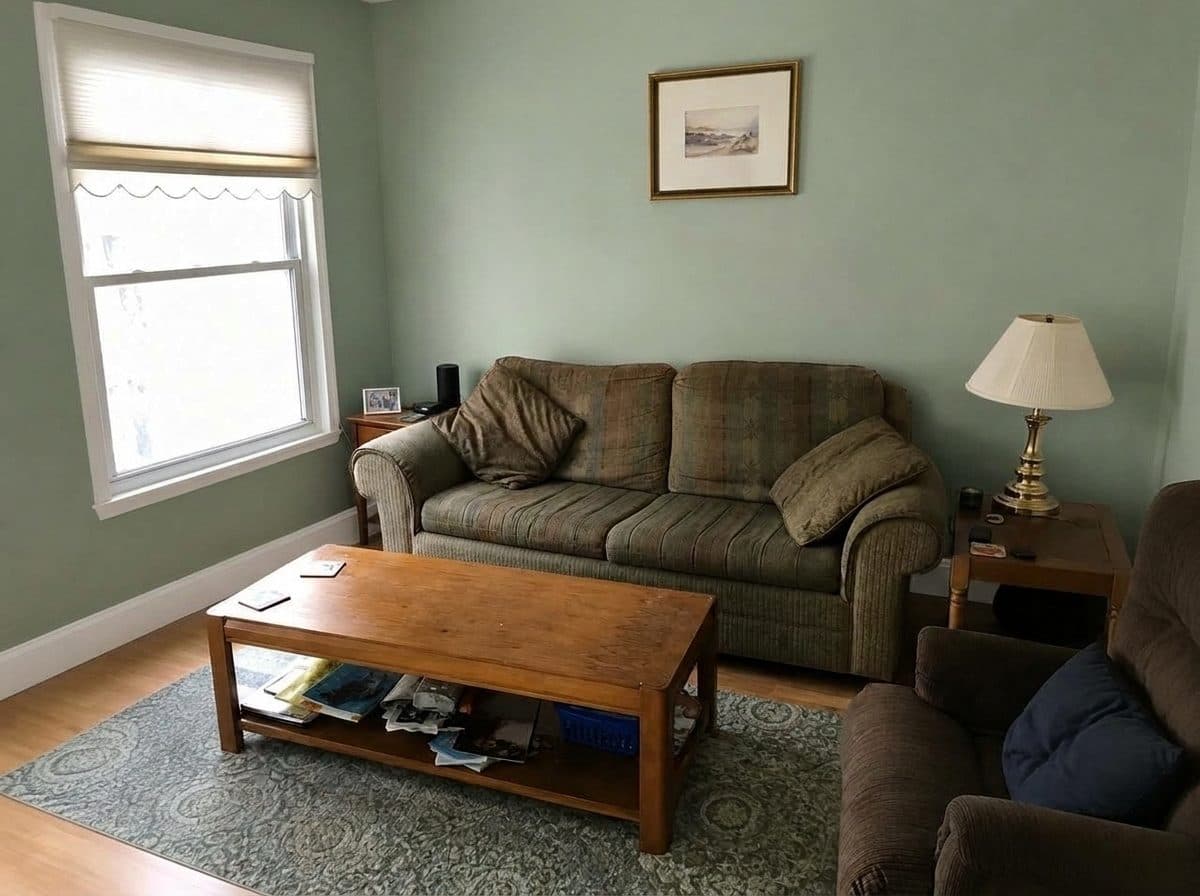
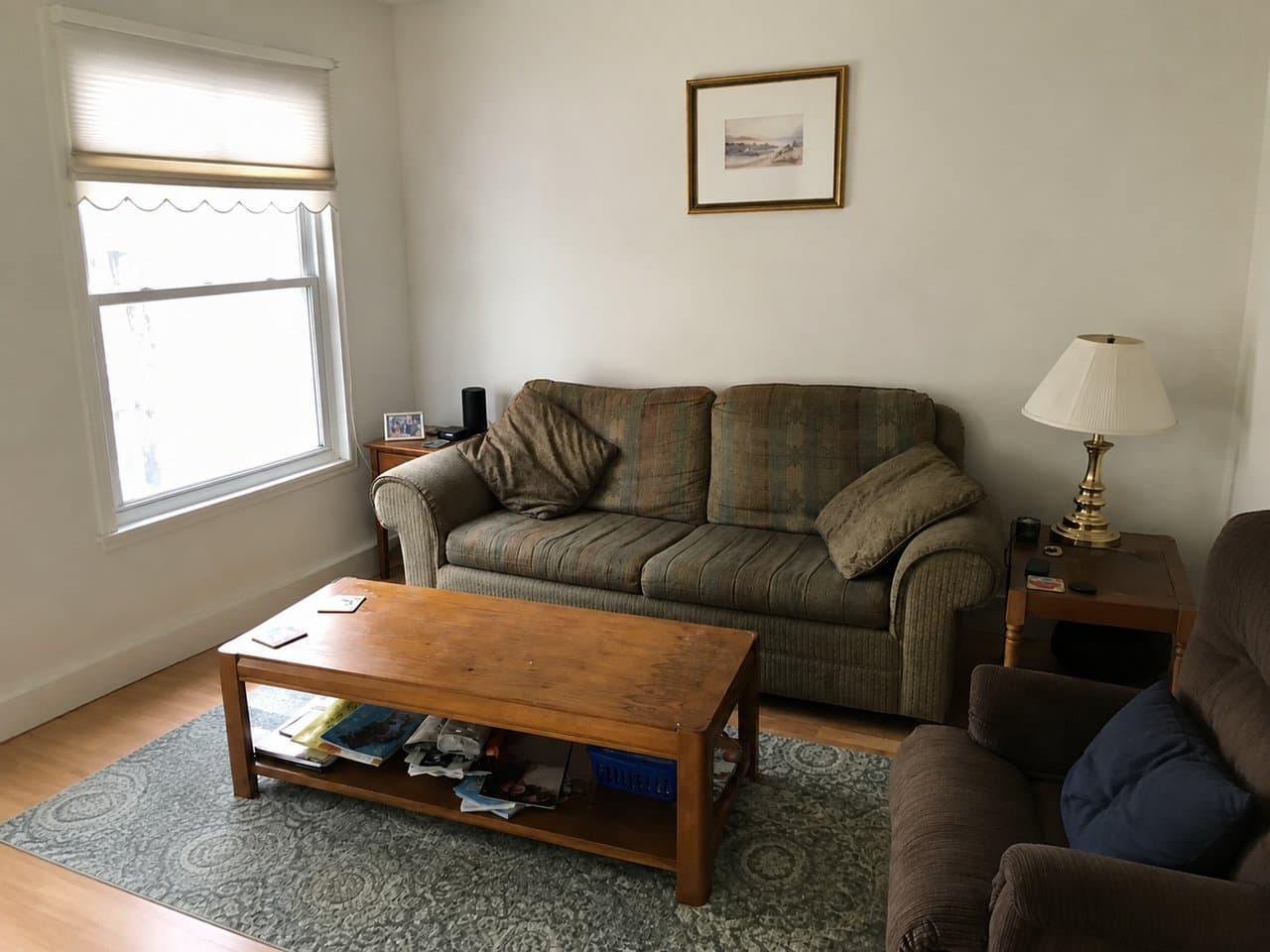 Sage Green
Upload a photo of your room on the left to see it in a new style.Upload a photo of your room above to see it in a new style.
Living RoomOne surfaceSage Green
Try it free with a photo of your room, no card needed.
AI Paint Visualizer
A two-inch paint chip never tells you how a color will actually feel across a whole wall — so most of us stall before ever opening a can. Roomvana's AI paint visualizer fixes that: upload one photo of your room, pick a color, and see your walls repainted. Only the walls change — your furniture, flooring, ceiling, lighting and the view out the window all stay exactly as they are, so you're judging the color on your real room, not a showroom. It's free to try, and you can preview on our example photos before signing up.
Explore other spaces
Browse all spaces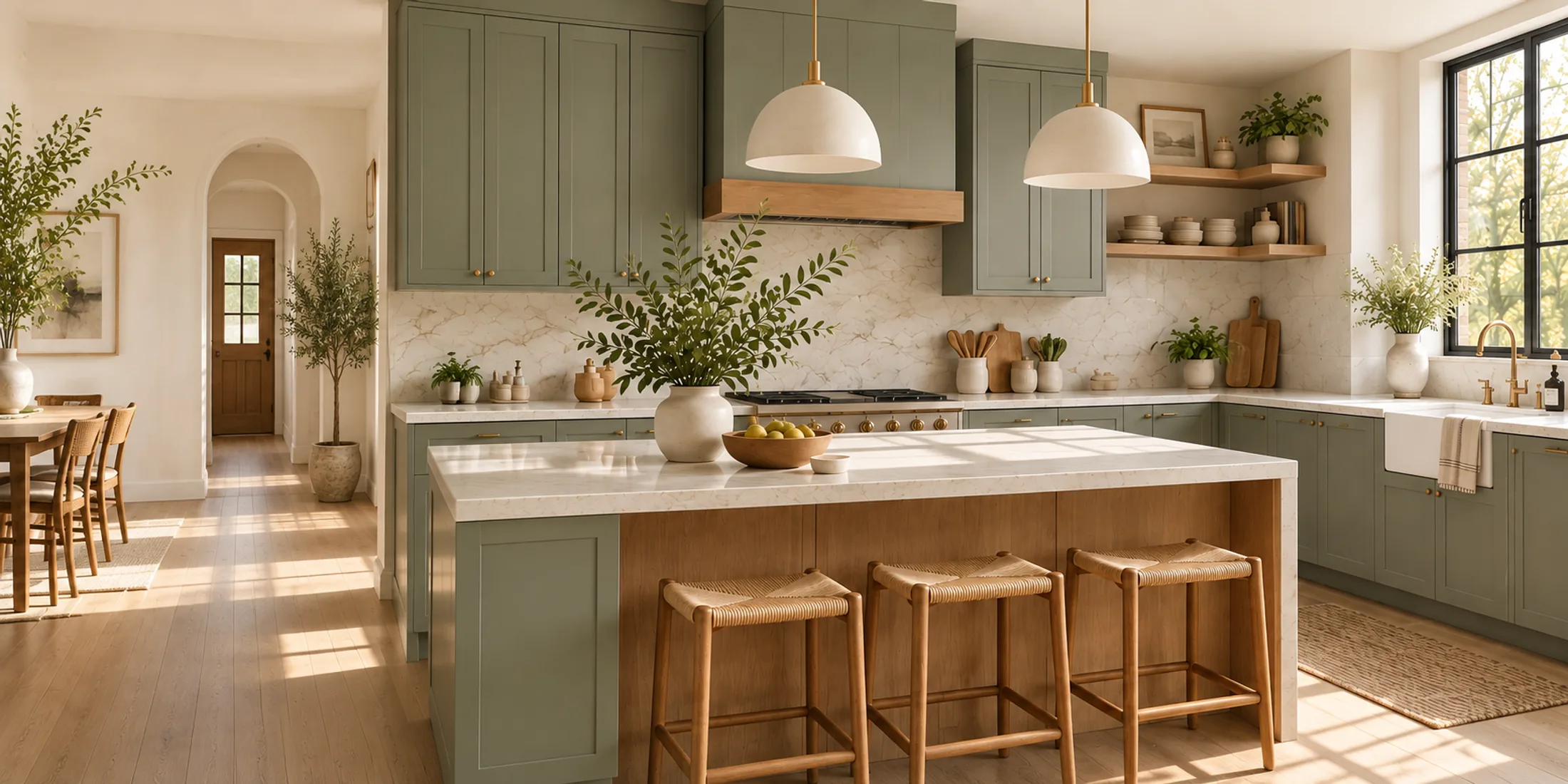
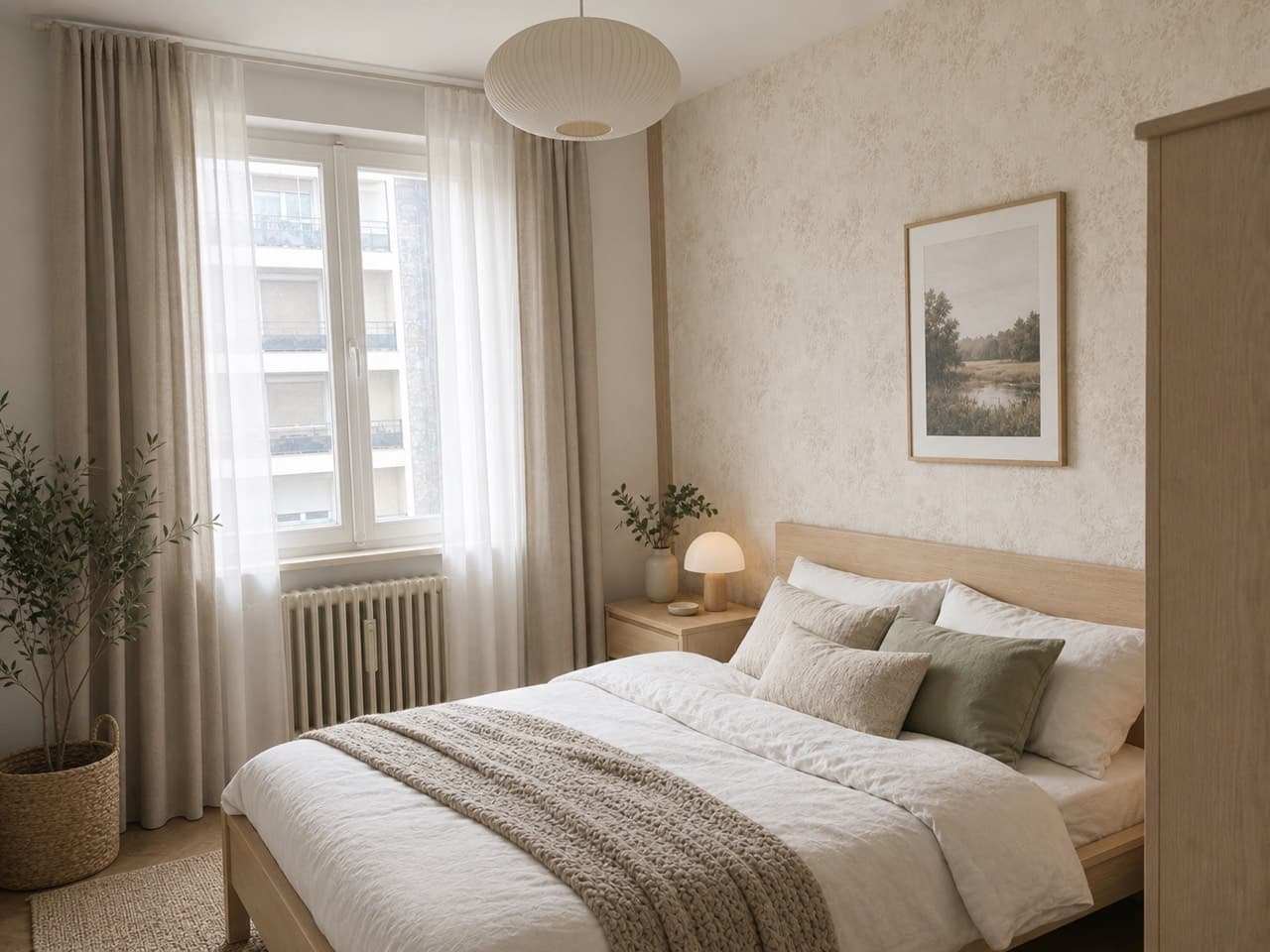
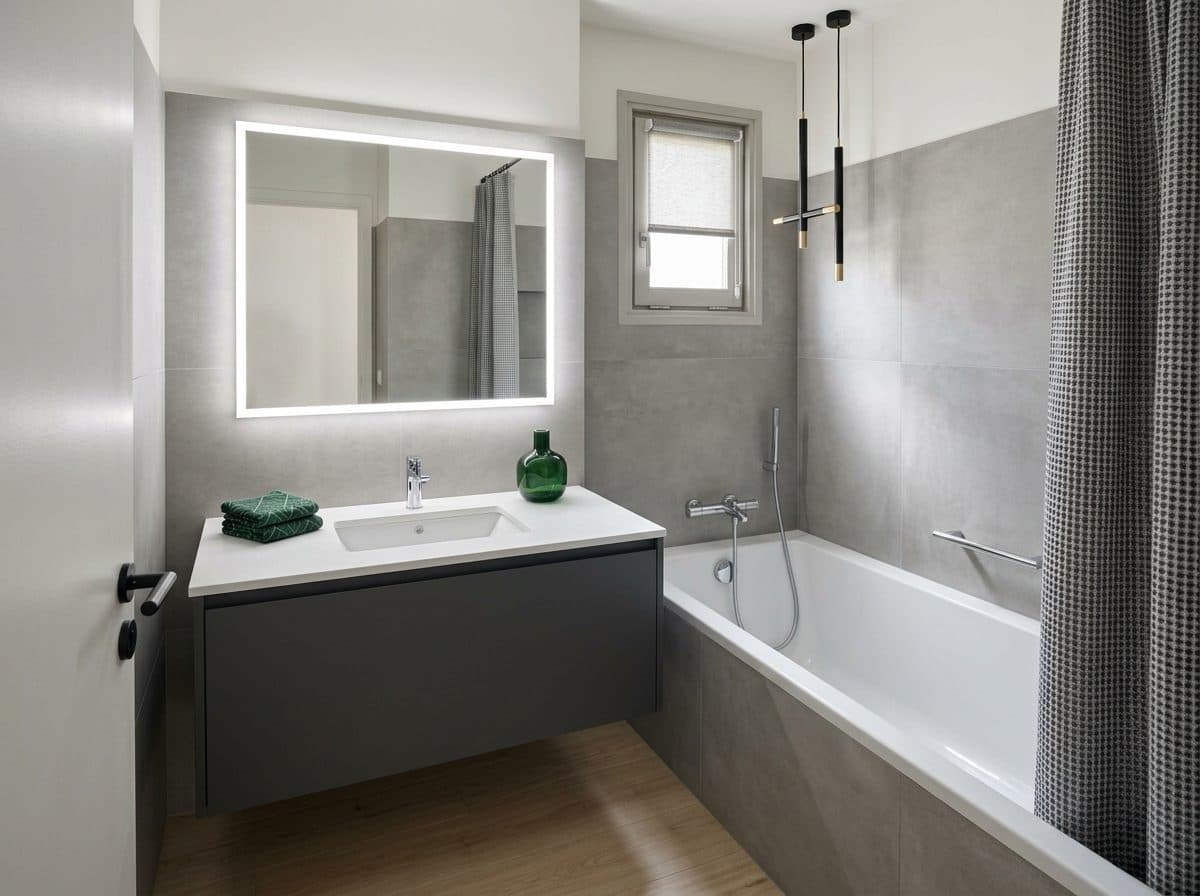
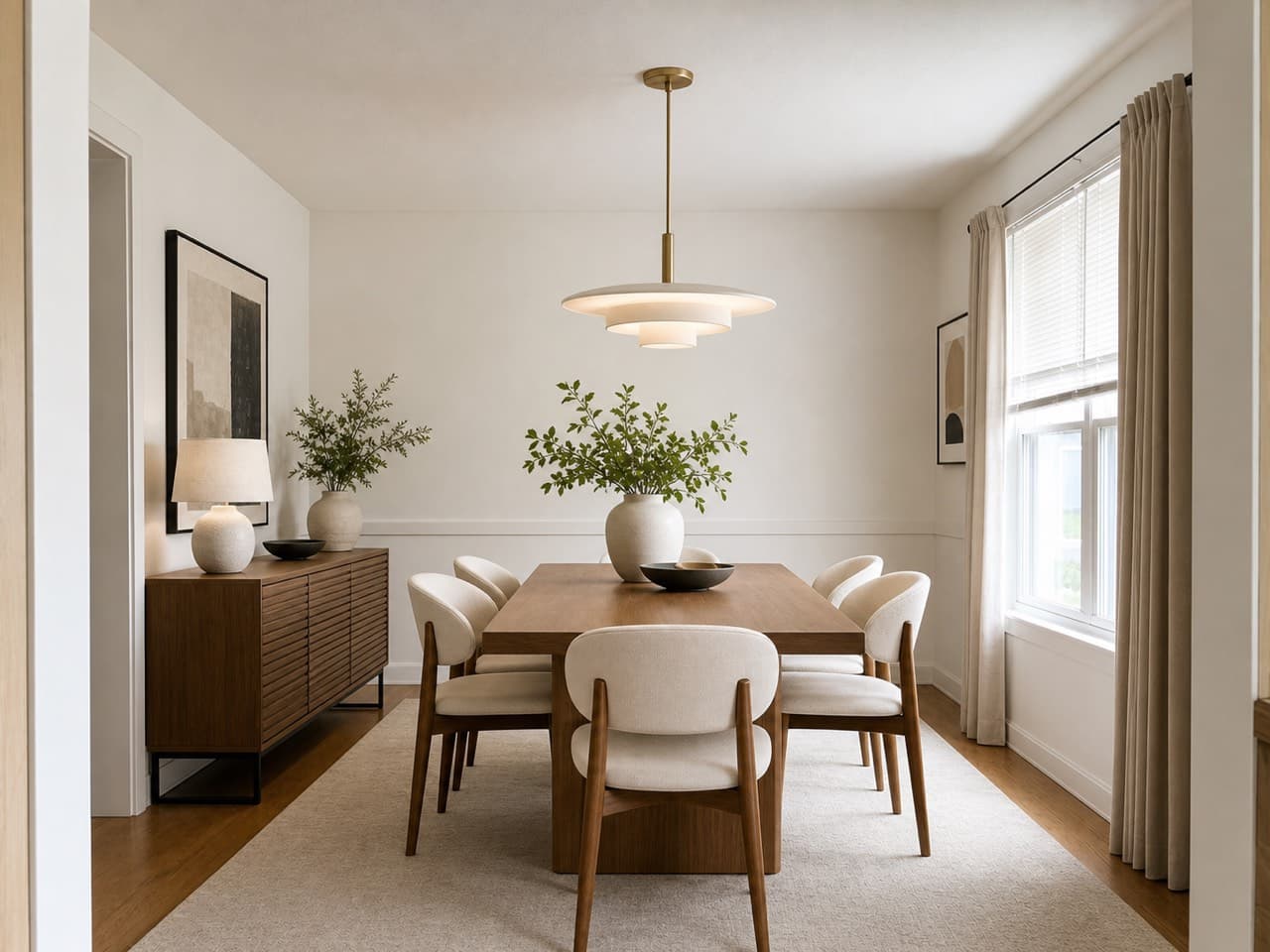
How to repaint your walls with AI
- 01
Upload a photo of your room
Take or upload a clear, straight-on photo that shows the wall you want to repaint and a good amount of it in frame. A normal phone photo from the doorway works fine.
- 02
Pick your room — Walls is already selected
This page opens Roomvana's Wall paint colors tool with Walls selected, so the AI recolors only the walls. Choose which room it is; floors, backsplash and trim are one tap away in the same row.
- 03
Pick a paint color
Choose from 12 curated wall colors — warm whites and greige through sage, olive, navy, terracotta, charcoal and forest green. Try any of them on your own walls.
- 04
See the result
Roomvana repaints your walls in the color you picked. Slide between before and after, download it, or send the link to your partner or painter.
What the AI can change
It restyles
- Wall paint color, all four walls
- Warm, cool, neutral and moody shades
- 12 curated colors, tried side by side
It never touches
- Your furniture & décor
- The flooring & rugs
- The ceiling & trim
- Lighting & fixtures
- Windows & the view outside
- The room's layout & footprint
Frequently asked questions
What is an AI paint visualizer?
+
An AI paint visualizer takes a photo of your real room and repaints the walls in a color you choose, so you can see the shade at full scale before you buy paint. Roomvana keeps everything else in the photo — furniture, floor, ceiling, lighting — exactly as it is, so you're looking at the color on your own walls rather than a swatch or a stock photo.
Will the color match what actually goes on the wall?
+
It shows the color across your real walls, which is far more useful than a two-inch chip. How a color reads on your screen depends on your monitor, and how it reads in the room depends on your daylight and bulbs, so confirm with a physical swatch or a sample pot before committing.
Can I just paint one accent wall?
+
Yes. Describe the wall in the custom instructions, for example "paint only the wall behind the sofa", and pick your color.
Can I use a specific Sherwin-Williams or Behr color code?
+
The picker has 12 curated wall colors rather than a brand's full fan deck, but each one now names the real paint it's matched to — Sherwin-Williams SW 6178 Clary Sage for the sage green, for instance — so you can walk into a store with a code. If the exact shade you want isn't in the list, pick the closest preset and name the color you're after in the custom instructions.
Will my furniture and floor change too?
+
No — that's the whole point of this tool. With Walls selected, the AI recolors only the walls and leaves your furniture, rugs, flooring, ceiling, trim and fixtures exactly as they are. You're testing paint, not redecorating the room.
Can I preview exterior paint?
+
Yes. Roomvana's exterior paint visualizer (Exterior paint colors in the sidebar) recolors the siding, the front door, shutters or the garage door on a photo of your house, and the roof has a tool of its own. Roomvana changes only that surface and leaves the rest of the house and yard unchanged.
Is the paint visualizer free?
+
Yes. You can try it free with a photo of your room — no credit card needed. After that, a one-time credit pack (from $14.99 for 30 designs) removes the watermark and adds commercial usage rights. No subscription, and credits never expire. You can also try the whole tool on our example photos before you sign up.
Why do my free previews have a watermark?
+
You can try it free; free designs carry a small watermark. Any one-time credit pack (from $14.99) removes watermarks from new designs going forward and adds commercial usage rights. Each credit is one design or one 4K upscale — no subscription.
What photo works best?
+
A well-lit, straight-on photo that shows most of the wall you want to repaint gives the cleanest result. Avoid extreme angles, heavy shadow and very dark shots. Natural daylight helps the AI read your existing wall color and light the new one realistically.
What happens to my photos?
+
Your photos stay private and are never used to train AI models. They're stored only so you can revisit your designs, and you can delete them any time from your gallery or by deleting your account.
How is this different from a full room redesign?
+
A full redesign re-renders your furniture, décor and finishes in a whole new style. The paint visualizer is deliberately narrow: it changes one thing — wall color — and keeps everything else identical. Use it when the furniture is staying and you only need to decide on paint.
Can I compare several colors?
+
Yes. From a single photo, most people run several shades back to back and compare them side by side before deciding.
I'm renting — can I preview before I repaint?
+
Yes, and it's a smart move. Test a few landlord-friendly colors on your actual walls first, so you commit to one you're sure about and only paint once — which also makes it easier to match or repaint back at move-out.
Can I use it to refresh a room before selling?
+
Definitely. Repainting is one of the cheapest ways to freshen a room for listing photos, and the visualizer lets you test a neutral, buyer-friendly color on your real walls before you commit to a weekend of painting. Share the before/after link with your agent or stager to get a quick second opinion.