Wallpaper visualizer — preview wallpaper on your own wall
Upload a photo and try a new finish in your own space.
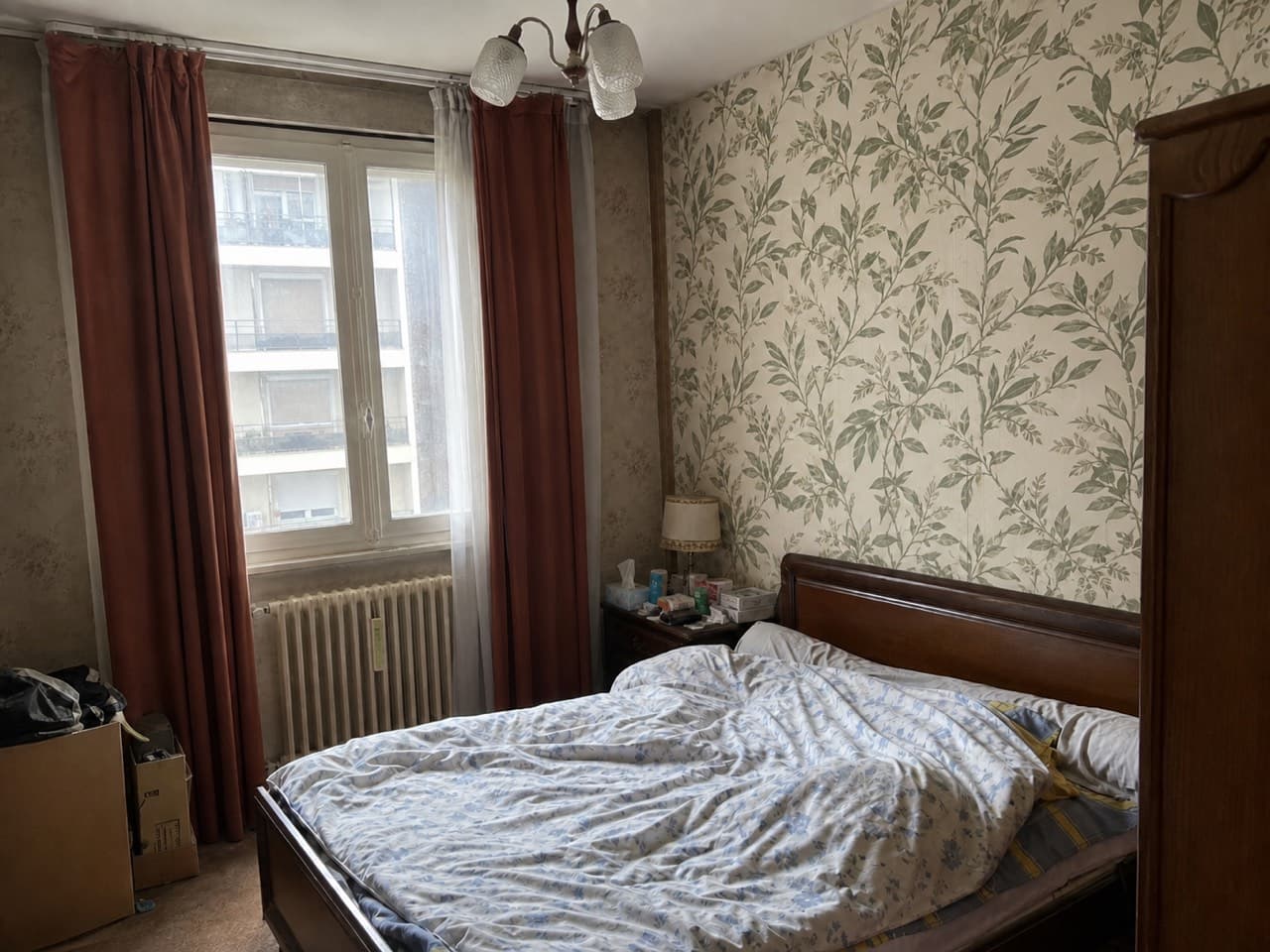
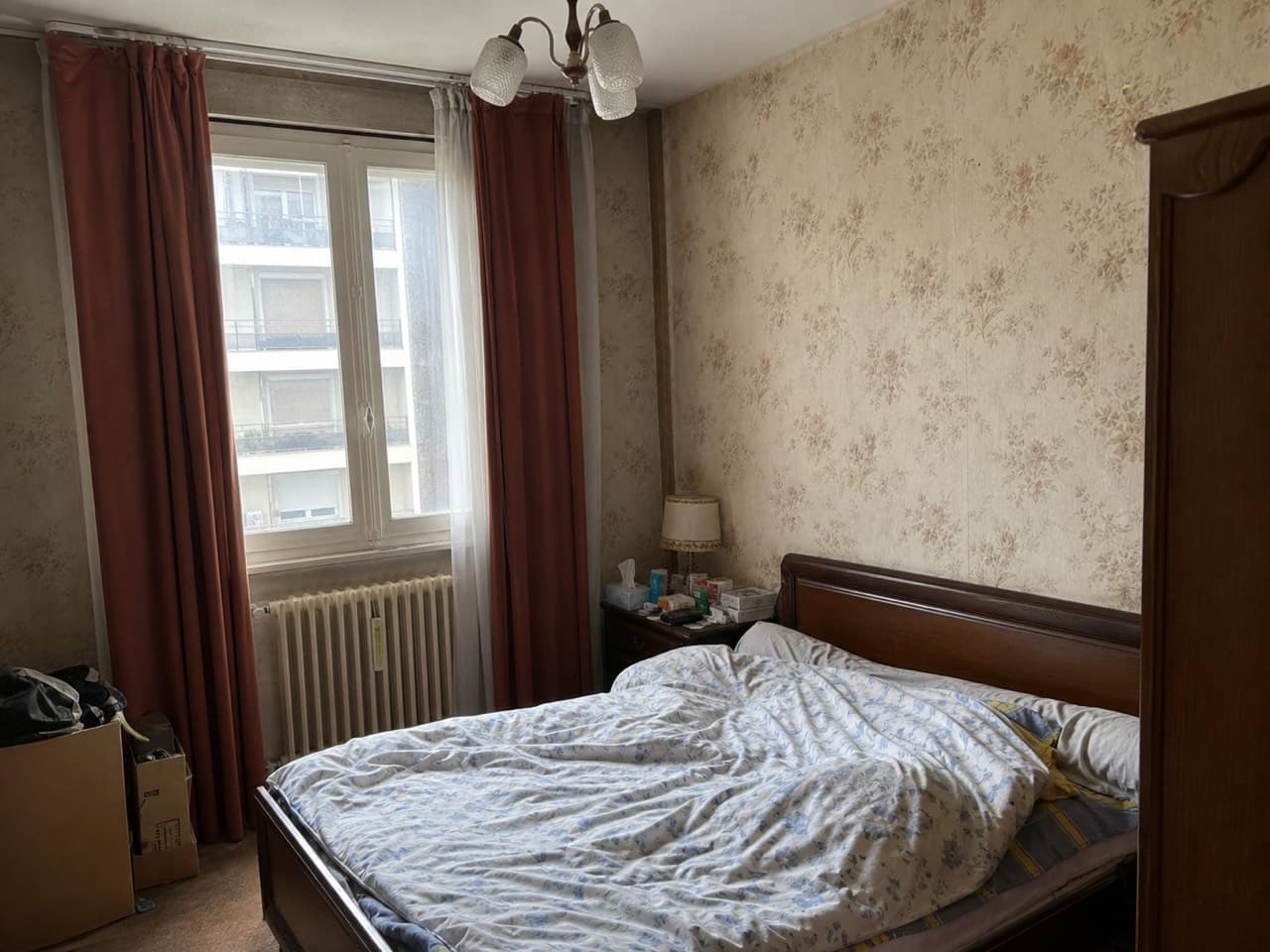 Botanical
Upload a photo of your room on the left to see it in a new style.Upload a photo of your room above to see it in a new style.
BedroomOne surfaceBotanical
Try it free with a photo of your room, no card needed.
Wallpaper Visualizer
A roll of wallpaper isn't cheap, and once it's up on the wall it's a pain to strip back off — so the wrong pattern turns into an expensive mistake. Roomvana's wallpaper visualizer lets you preview wallpaper on your own feature wall from a single photo. Upload a picture of the wall, pick a pattern, and you see it papered — while your furniture, floor and the rest of the room stay exactly as they are. It's free to try, and you can test it on our example rooms without signing up.
Explore other spaces
Browse all spaces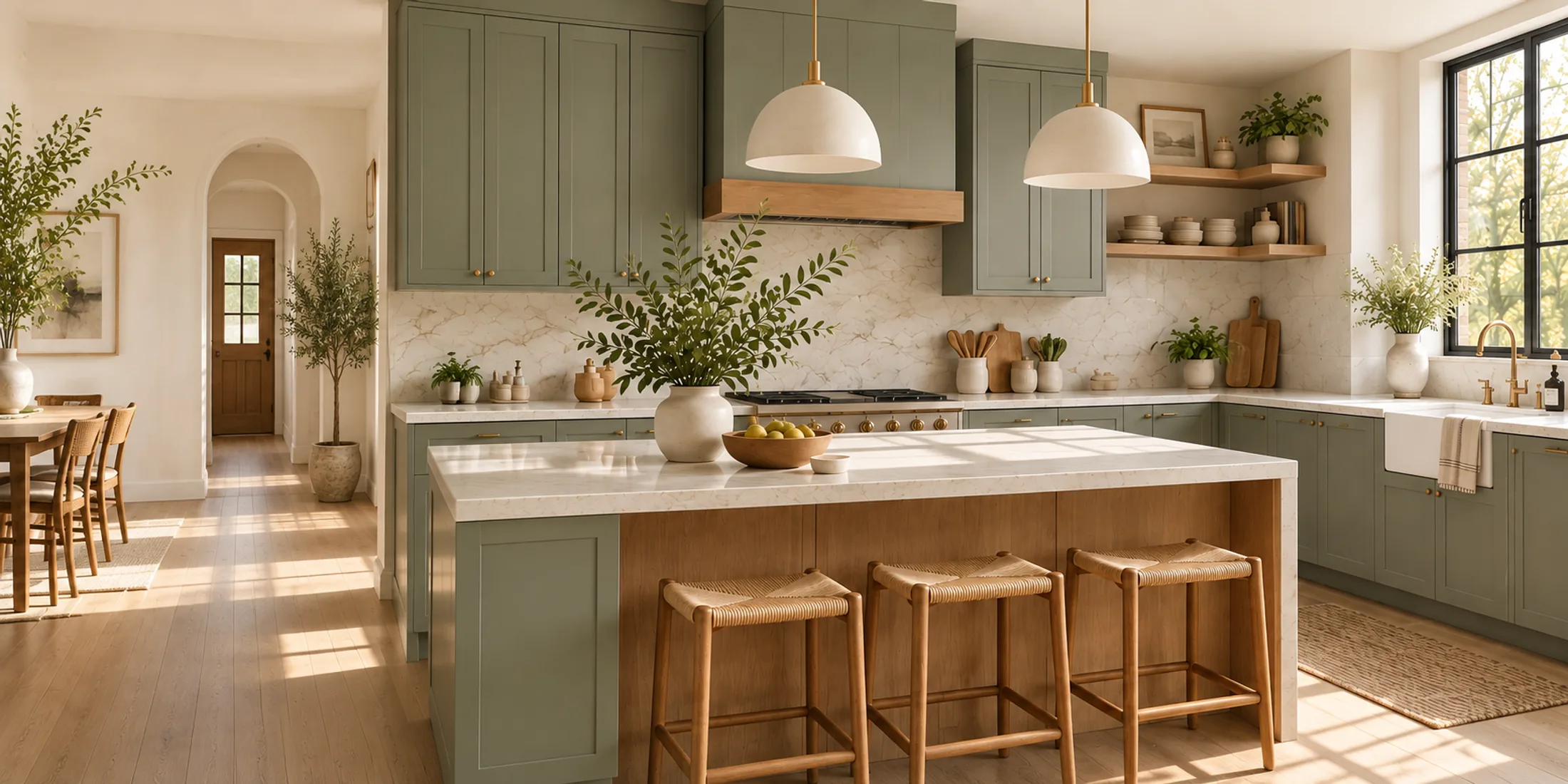
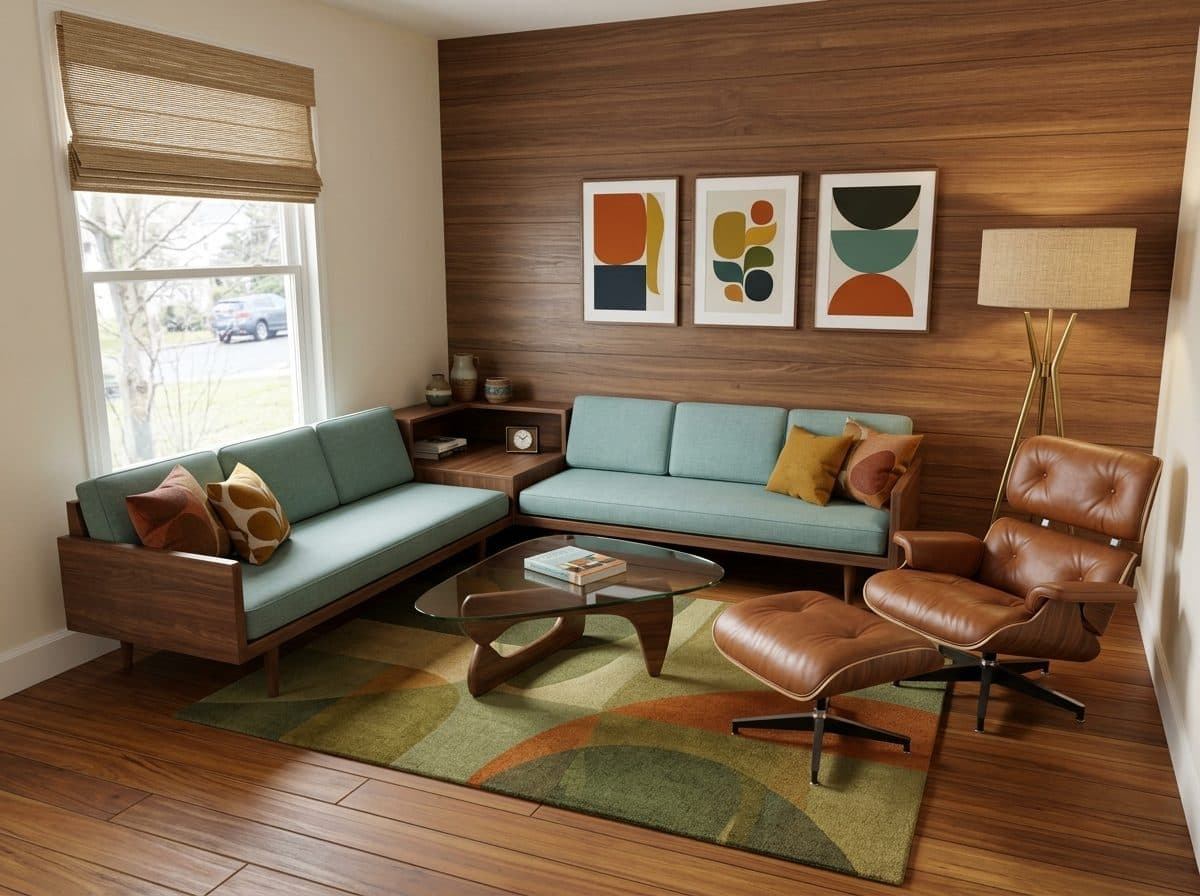
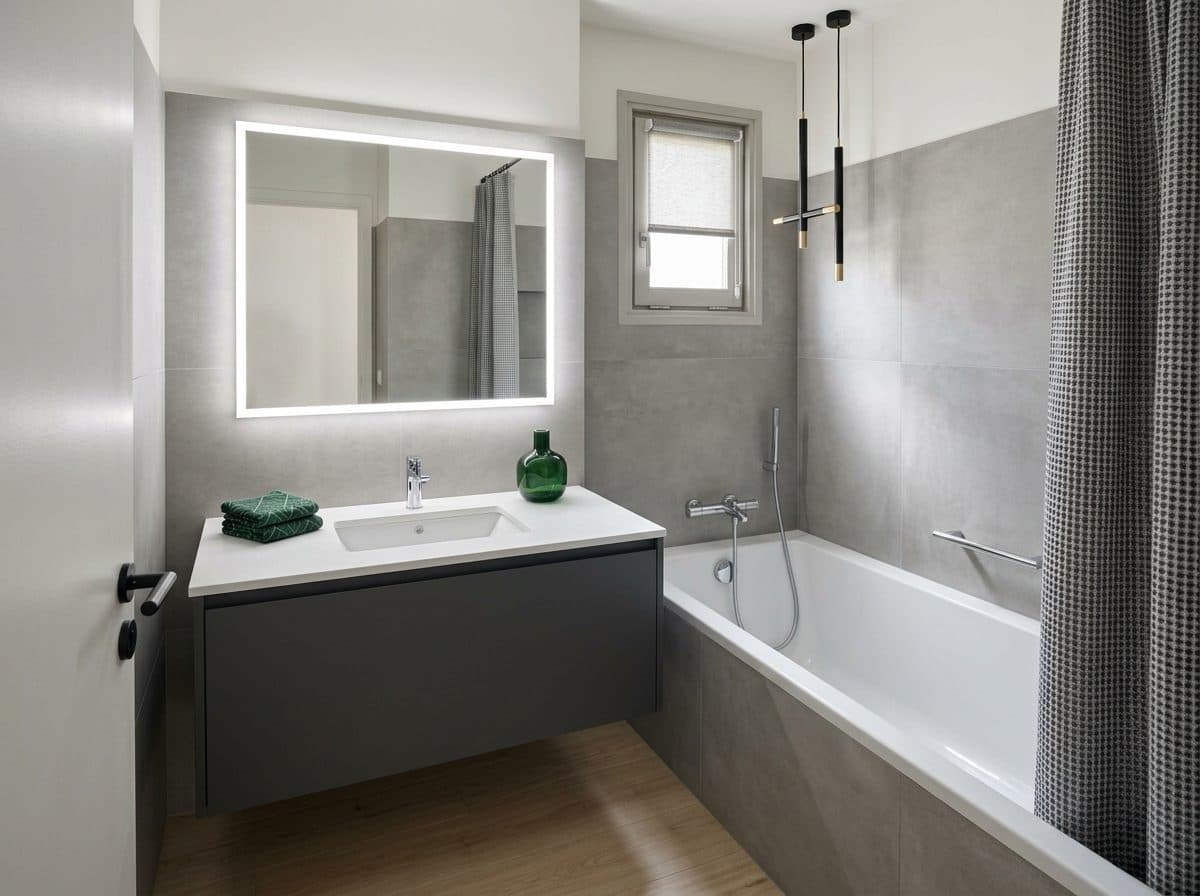
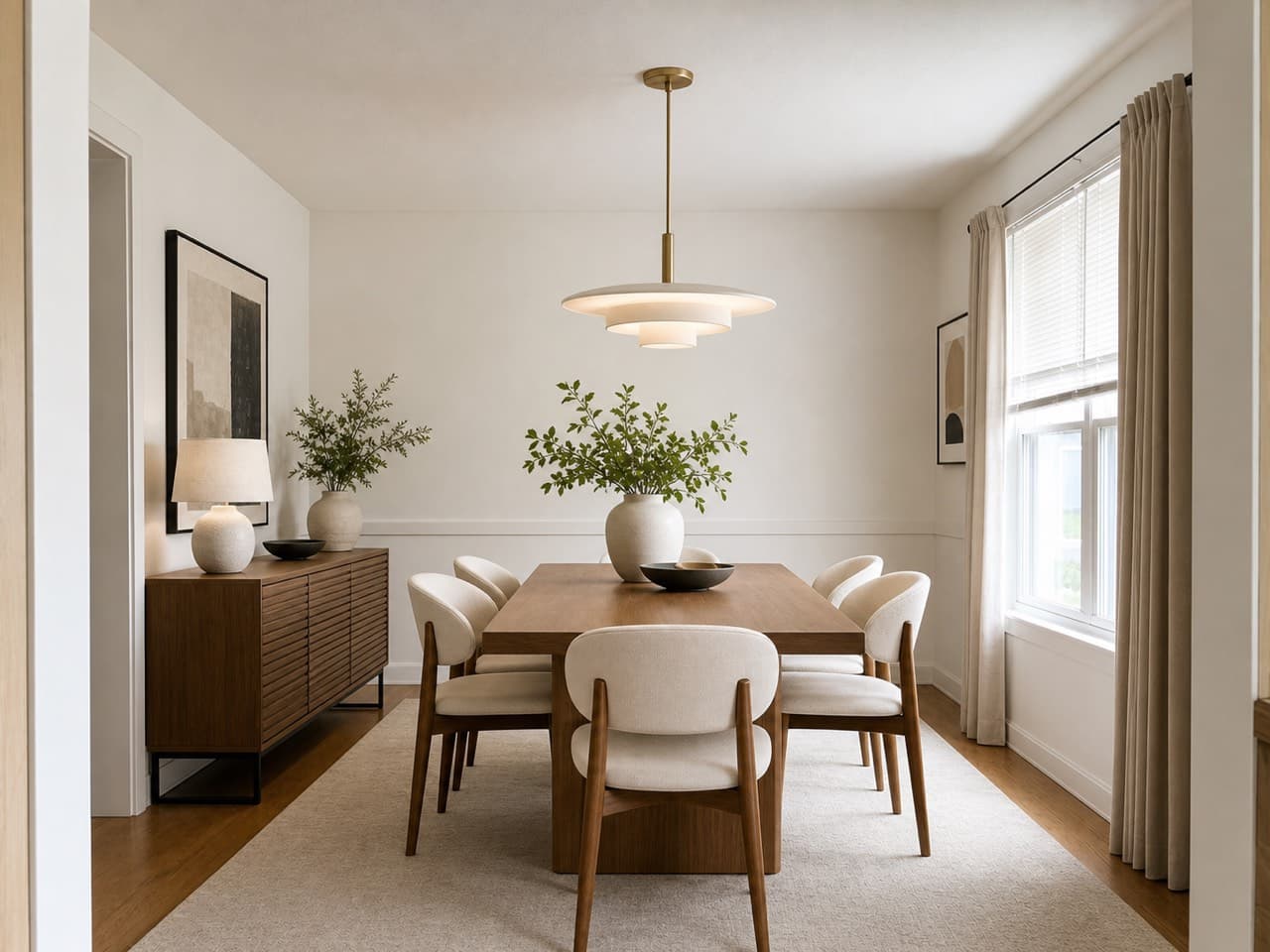
How to preview your wallpaper with AI
- 01
Upload a photo of your room
Take or upload a clear, straight-on photo of the wall you're thinking of papering — the more of that wall you can see, the better the preview.
- 02
Use the wallpaper tool
This page opens Roomvana's Wallpaper tool, which only ever papers a single feature wall and leaves everything else in the room untouched — just pick which room it is.
- 03
Pick a pattern
Choose from botanical, vintage floral, geometric, grasscloth, subtle stripes, a landscape mural, damask or soft kids' clouds — try any of them on your own wall.
- 04
See the result
Roomvana renders the pattern onto your wall. Slide between before and after, download your favorite, or share the link.
What the AI can change
It restyles
- Wallpaper on one feature / accent wall
- The pattern, print & colorway
- How that wall reads against the rest of the room
It never touches
- Your furniture & decor
- The other walls in the room
- Flooring & rugs
- Lighting & fixtures
- Windows & the view outside
- The room's layout
Frequently asked questions
What is a wallpaper visualizer?
+
A wallpaper visualizer lets you see wallpaper on your own wall before you order it. Instead of guessing from a small sample or a shop swatch, you upload a photo of your room and the AI papers one feature wall with the pattern you pick — so you can judge how it actually looks at full size on your wall.
Which wall will the wallpaper go on?
+
The AI picks the room's main feature wall — usually the one behind the bed or sofa — and papers only that one, the way most people wallpaper an accent wall. If you want a specific wall or the whole room papered, describe it in custom instructions.
Can I upload the exact wallpaper I'm eyeing?
+
Not as an image yet. Right now you choose from eight preset pattern families — botanical, vintage floral, geometric, grasscloth, subtle stripes, a landscape mural, damask and kids' clouds. If you have a specific print in mind, you can describe it (color, motif, scale) in custom instructions, and the AI will get close.
Are the patterns and their scale realistic?
+
They're close — the preview is meant to show you the mood, color and rough scale of a pattern on your wall so you can rule looks in or out. Before you buy, order a physical sample or swatch from the wallpaper maker and check it in your own light.
Is it good for renters and peel-and-stick wallpaper?
+
Yes. Previewing first is especially handy for renters weighing peel-and-stick or removable wallpaper, because you can see whether a bold feature wall is worth it before you buy a roll and commit a weekend to hanging it. The preview looks the same whether you end up using traditional or peel-and-stick paper.
Do you have kids' room and nursery patterns?
+
Yes. The kids' clouds pattern is made for nurseries and kids' rooms, and softer options like botanical or subtle stripes also work well for a gentle feature wall. Preview a couple on the actual wall to see which one fits the room before you order.
How is this different from the paint visualizer?
+
The paint visualizer repaints your walls a solid color; the wallpaper visualizer puts a pattern on one feature wall instead. If you're torn between a bold wallpaper and a simple painted accent wall, try both on the same photo and compare them side by side before deciding.
How much money can previewing save me?
+
Wallpaper adds up fast — a feature wall can run well over a hundred dollars in rolls, plus paste, tools and a day of your time, and stripping off a pattern you dislike is the worst part. Spending a few minutes previewing first helps you avoid buying rolls you'll regret, which is usually where the real savings are.
Is the wallpaper visualizer free?
+
Yes. You can try it free with a photo of your room — no credit card needed. After that, a one-time credit pack (from $14.99 for 30 designs) removes the watermark and adds commercial usage rights. No subscription, and credits never expire.
Why is there a watermark, and how do I remove it?
+
You can try it free; free designs carry a small watermark. Any one-time credit pack (from $14.99) removes watermarks from new designs going forward and adds commercial usage rights. Each credit is one design or one 4K upscale — no subscription.
What photo works best?
+
A well-lit, straight-on shot of the wall you want to paper, taken square to the wall rather than at a sharp angle. Try to keep the whole wall in frame and clear obvious clutter first — the cleaner and flatter the wall in your photo, the more naturally the pattern sits on it.
Can I compare several patterns?
+
Yes. From a single photo you can run several patterns on the same wall and line them up, so comparing a botanical against a geometric or a damask is easy.
What happens to my photos?
+
Your photos stay private and are never used to train AI models. They're stored only so you can revisit your previews, and you can delete them any time from your gallery or by deleting your account.