AI furniture placement — put a real piece of furniture in your room photo
Upload your room and the piece you're considering.
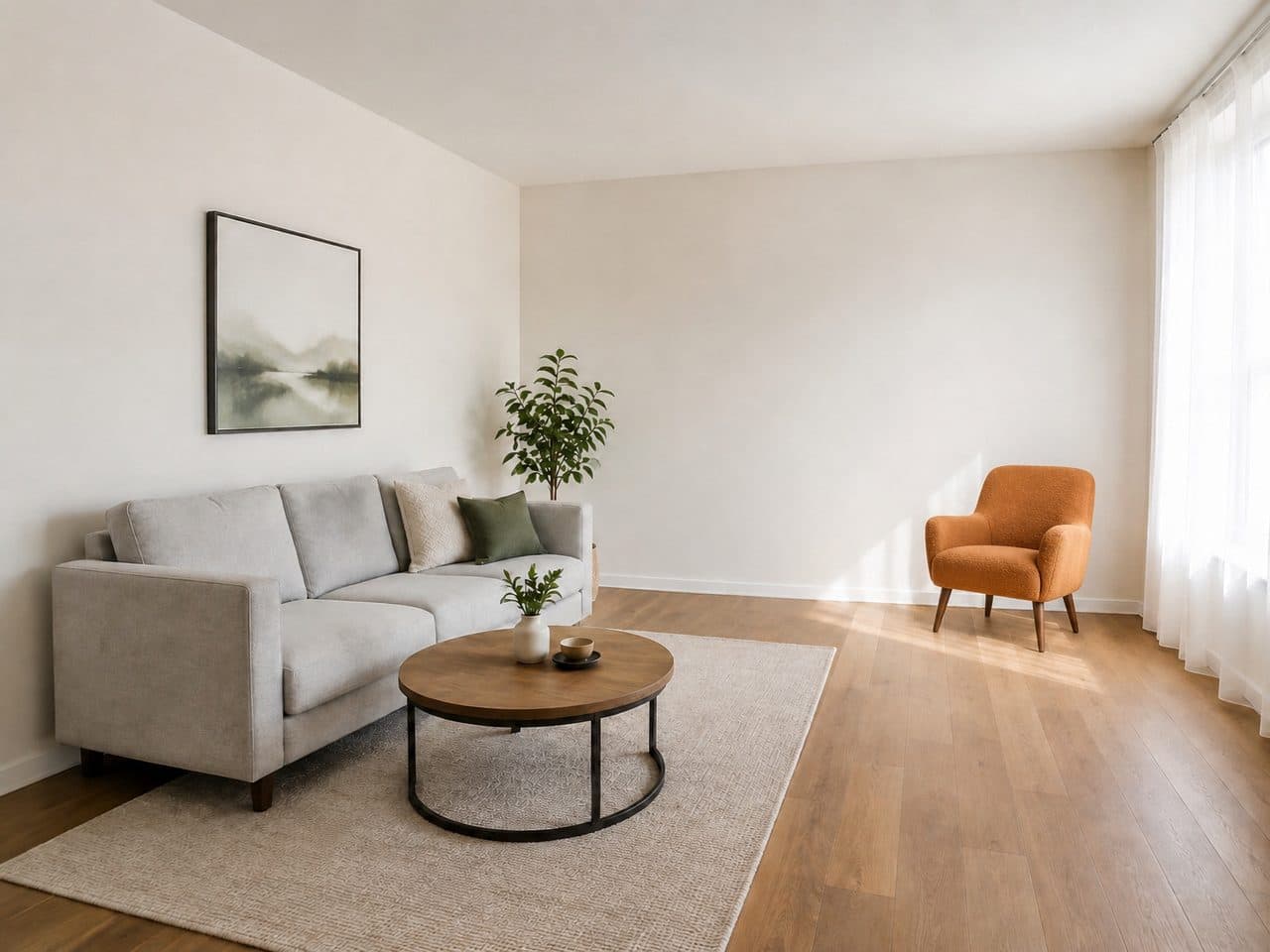
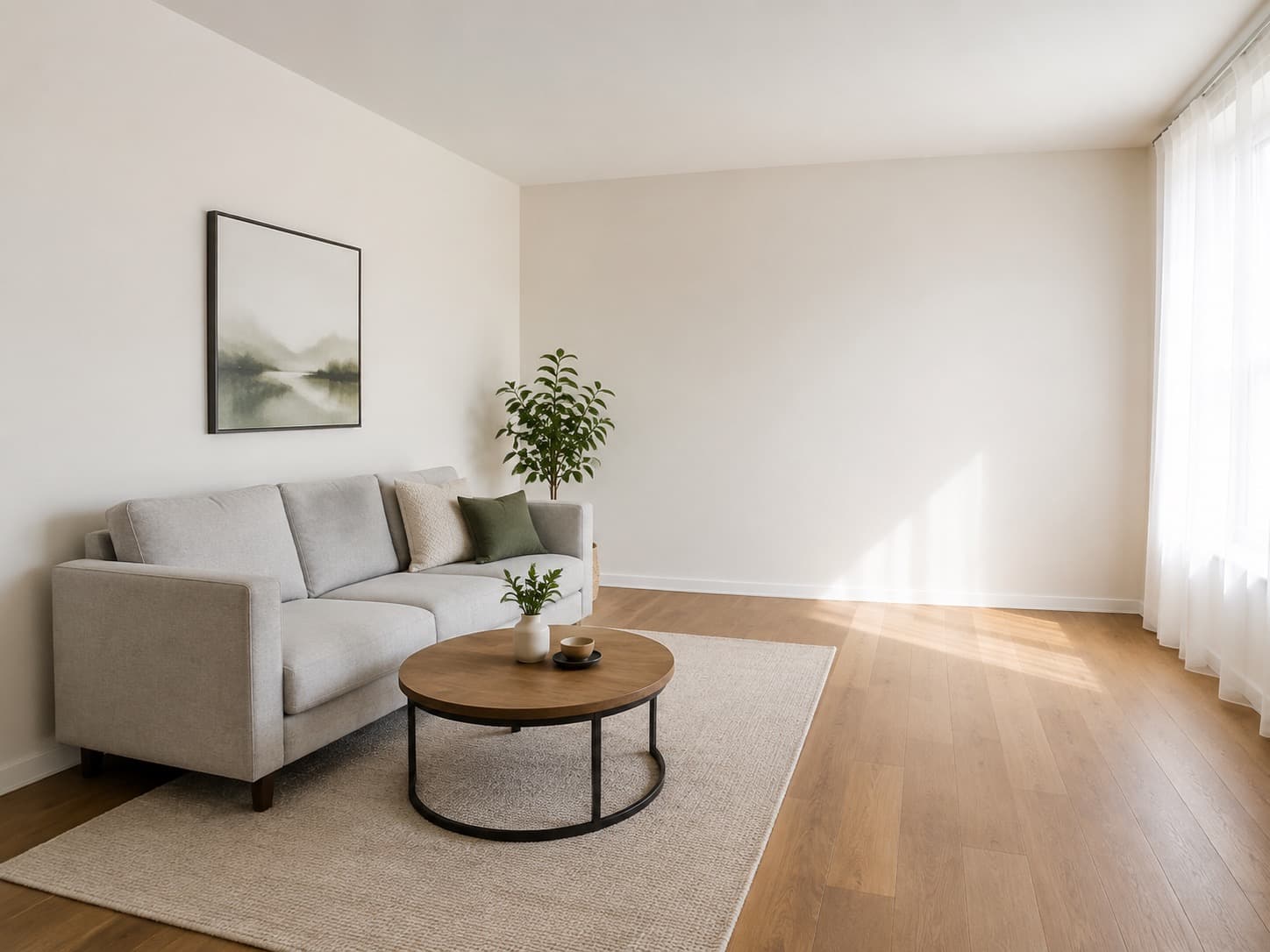 Armchair
Upload a photo of your room on the left to see it in a new style.Upload a photo of your room above to see it in a new style.
Living RoomRedesignAdd Item
Try it free with a photo of your room, no card needed.
AI Furniture Placement
Roomvana's AI furniture placement tool answers the question behind every online furniture order: will it actually look right in my room? Upload a photo of your room and a photo of the piece — a sofa, an armchair, a lamp, a rug, a plant — and the AI places it in your space, sized to the room and lit to match, while it keeps your layout, walls and windows, along with the furniture you already own. Try a few pieces side by side before you buy any of them. Free to try, no card needed.
Explore other spaces
Browse all spaces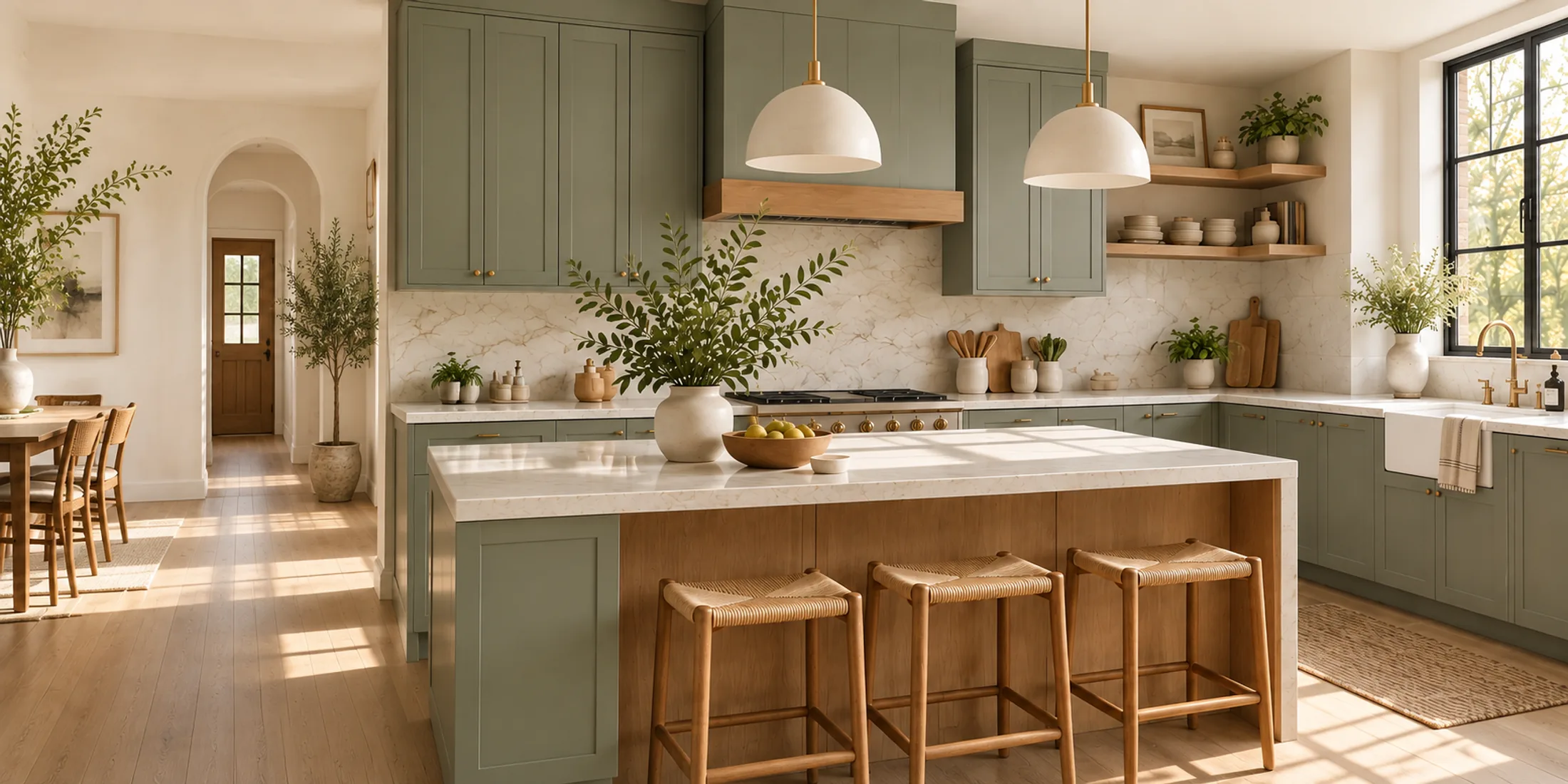
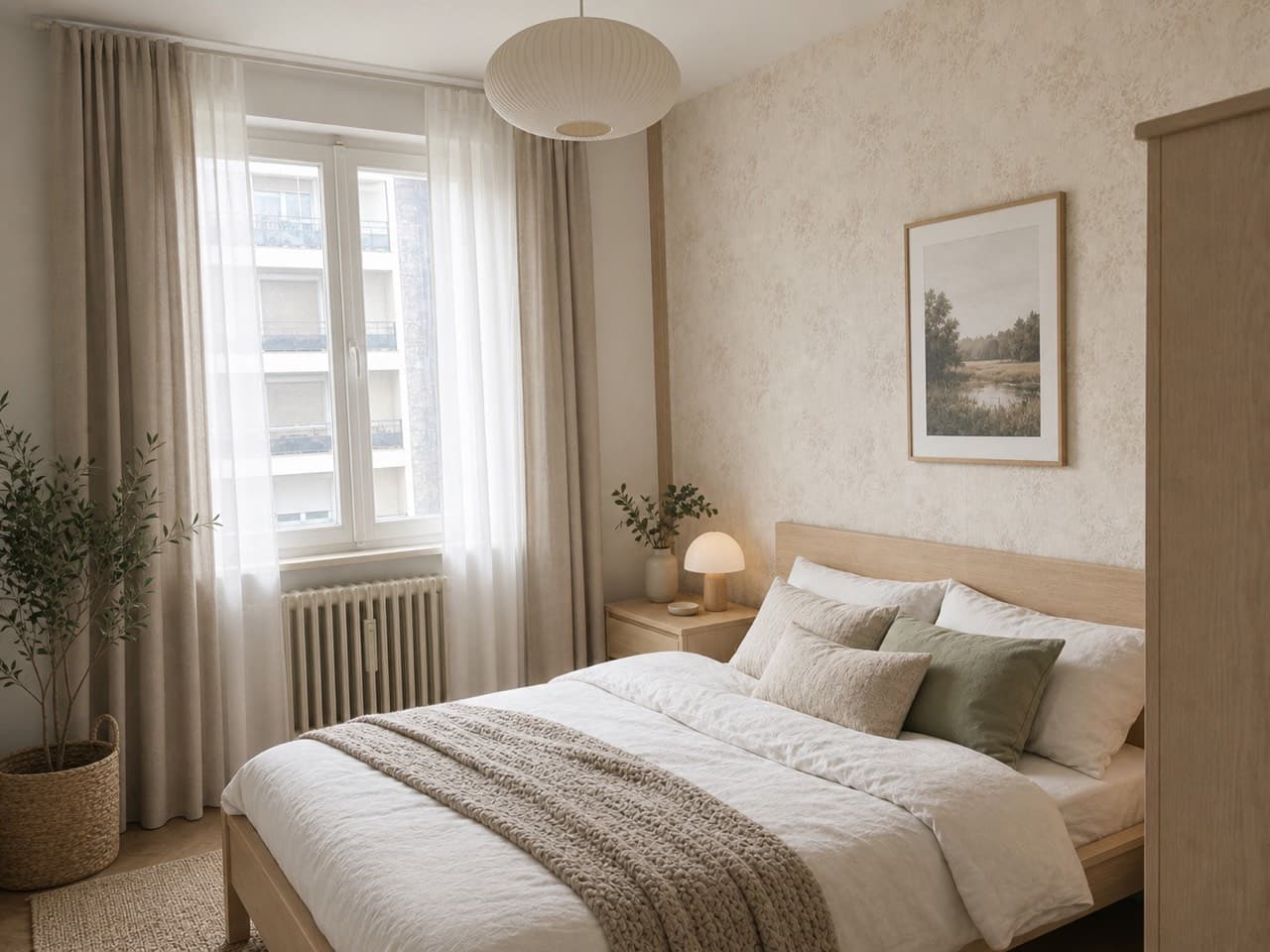
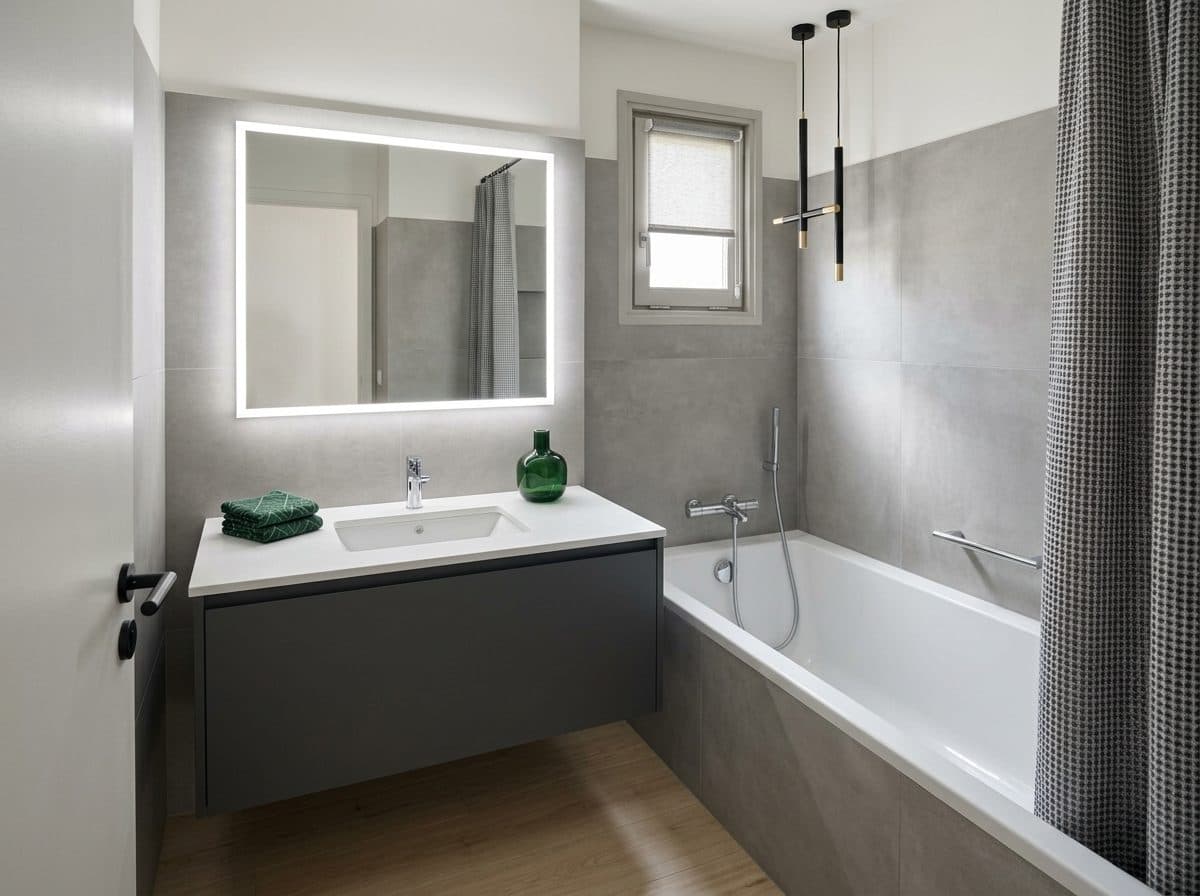
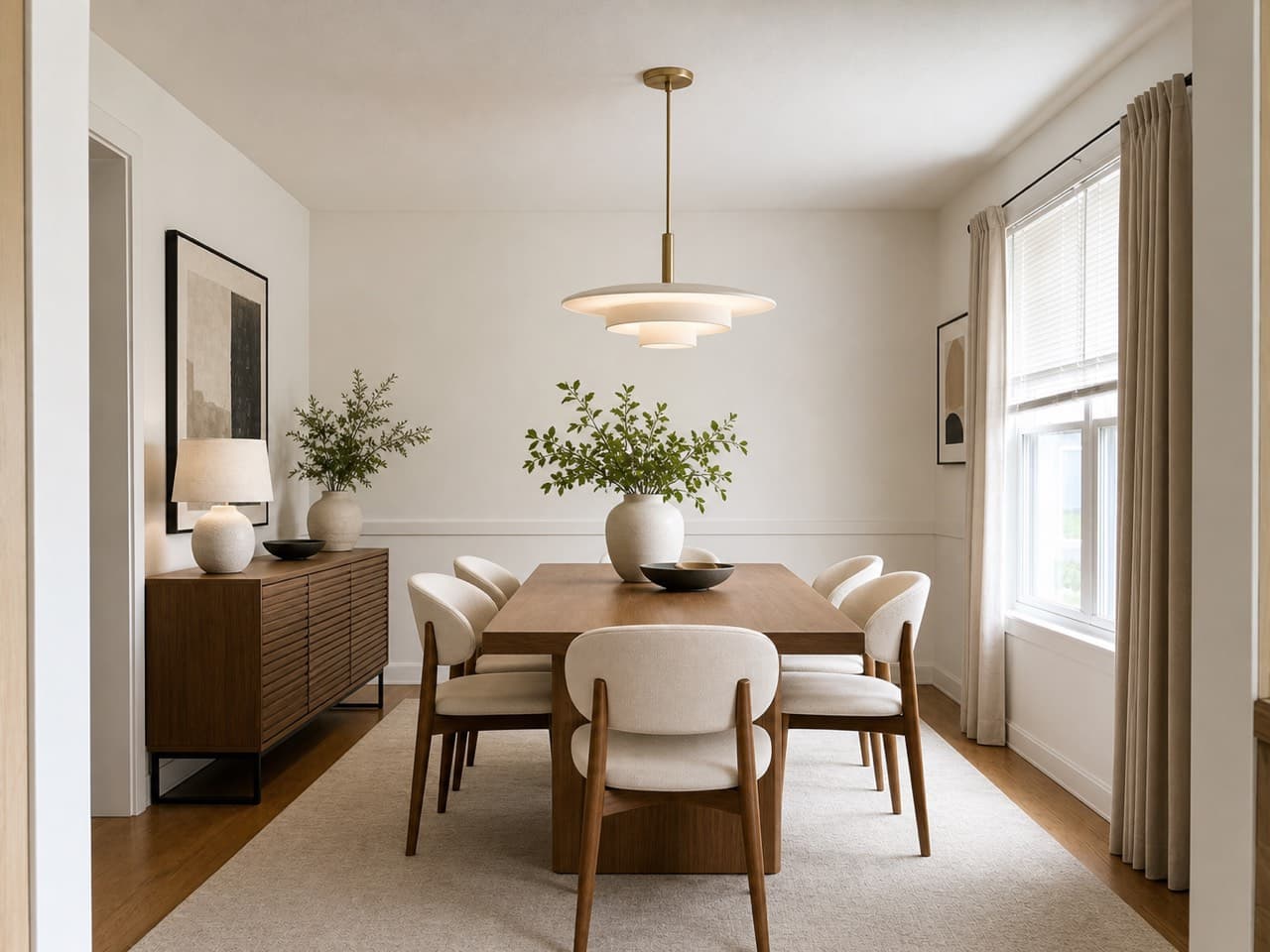
How to place furniture in your room with AI
- 01
Upload a photo of your room
Take or upload a clear photo of the room as it is today, from the angle where you'd usually see the piece. Daylight and a level camera give the most convincing result.
- 02
Add the piece you're considering
Upload a photo of the furniture or decor — a product shot from the store page works well — or pick one you've already saved to Furniture & decor.
- 03
Say where it goes (optional)
Type a spot like 'in the corner by the window' or 'left of the sofa', or leave it blank and the AI picks a natural place for it.
- 04
Generate and compare
Roomvana places the piece in your room at the right scale, with matching light and shadows. Slide between before and after, try another piece, and download the one you'd buy.
What the AI can change
It restyles
- Adds the one piece you chose
- Scales it to your room
- Matches your room's light & shadows
- Puts it where you say — or picks a natural spot
- Works with sofas, chairs, tables, lamps, rugs, art & plants
It never touches
- The furniture you already own
- Walls, paint & flooring
- Windows, doors & trim
- The layout & camera angle
- Anything you didn't ask to add
Frequently asked questions
What is AI furniture placement?
+
It's a way to see a specific piece of furniture in your own room before you buy it. You upload a photo of the room and a photo of the piece, and the AI adds that piece to your photo — sized to the space, lit to match, and placed where you asked. Everything already in the room stays as it is.
Is it free to try?
+
Yes — try it free with a photo of your room, no credit card needed. After that, a one-time credit pack (from $14.99 for 30 designs) removes the watermark and unlocks custom instructions and commercial use. No subscription, and credits never expire.
What kind of pieces can I place?
+
Most furniture and decor: sofas, armchairs, dining tables and chairs, beds, dressers, side tables, lamps, rugs, mirrors, wall art, plants and planters. Loose, freestanding pieces work best. For built-in changes — new cabinets, a different floor, a painted wall — use Change one surface or Change one area instead.
Where do I get a photo of the furniture?
+
The product photo on the store page is usually the best source: it's well lit, shot straight on and shows the whole piece. Save it to your phone or computer and upload it here, or add it to Furniture & decor once so you can try it in any room later.
Will the piece be the right size in my room?
+
The AI scales the piece to your room using the things around it — the sofa, the doorway, the window — so it reads at a realistic size. Use it as a visual check, then confirm the product's listed dimensions with a tape measure in the spot you have in mind before ordering.
Can I choose exactly where it goes?
+
Yes. Type where you want it — 'in the empty corner by the window', 'to the left of the sofa', 'centered under the picture' — and the AI places it there. Leave it blank and the AI picks a natural spot for you.
Does it change anything else in the room?
+
No. Add furniture & decor focuses on the one piece you chose. It keeps your layout, walls, floor, windows and existing furniture, so you can compare before and after clearly — the only difference is the new piece.
Can I try several pieces in the same spot?
+
Yes. Keep the room photo and swap in a different piece each time — three chairs, two lamps, whatever you're deciding between — then compare the results side by side. Every piece you add is saved to Furniture & decor, so you can try it in another room later without uploading it again.
Does it work outdoors — a patio or backyard?
+
Yes. Upload a photo of your patio, deck or yard and place outdoor furniture, planters or a fire pit the same way. Pick Yard & Garden as the space for a result tuned to outdoor spaces.
How is this different from Redesign?
+
Redesign restyles the whole room — it can replace your furniture, colors and decor with a new look. Furniture placement keeps your room exactly as it is and adds one real piece, so you can judge that piece on its own. Use Redesign for inspiration, and use this page when you're deciding on a specific piece.
What happens to my photos?
+
Your room photos and the product photos you upload stay private and are never used to train AI models. They're stored only so you can revisit your results, and you can delete them any time from your gallery or by deleting your account.